Why I built it
ModVisuals brings together what I learned building ModFont and making visuals for Slow Trance, with the aim of making audio-reactive visuals quicker to get started with.
Building on ModFont
ModFont was my first AI-assisted development project, and I wanted to apply what I learned to another area I’m passionate about: interactive music visuals. It carries over ModFont’s principle of working within deliberate limits, starting from a small set of primitive shapes.
Lessons from Slow Trance
For Slow Trance, I made visuals in traditional tools like TouchDesigner. I love it deeply, but its learning curve is steep. ModVisuals isn’t a substitute for tools like it. It’s a way of taking what I learned from them and applying it to a tool of my own.
Ready for the gig
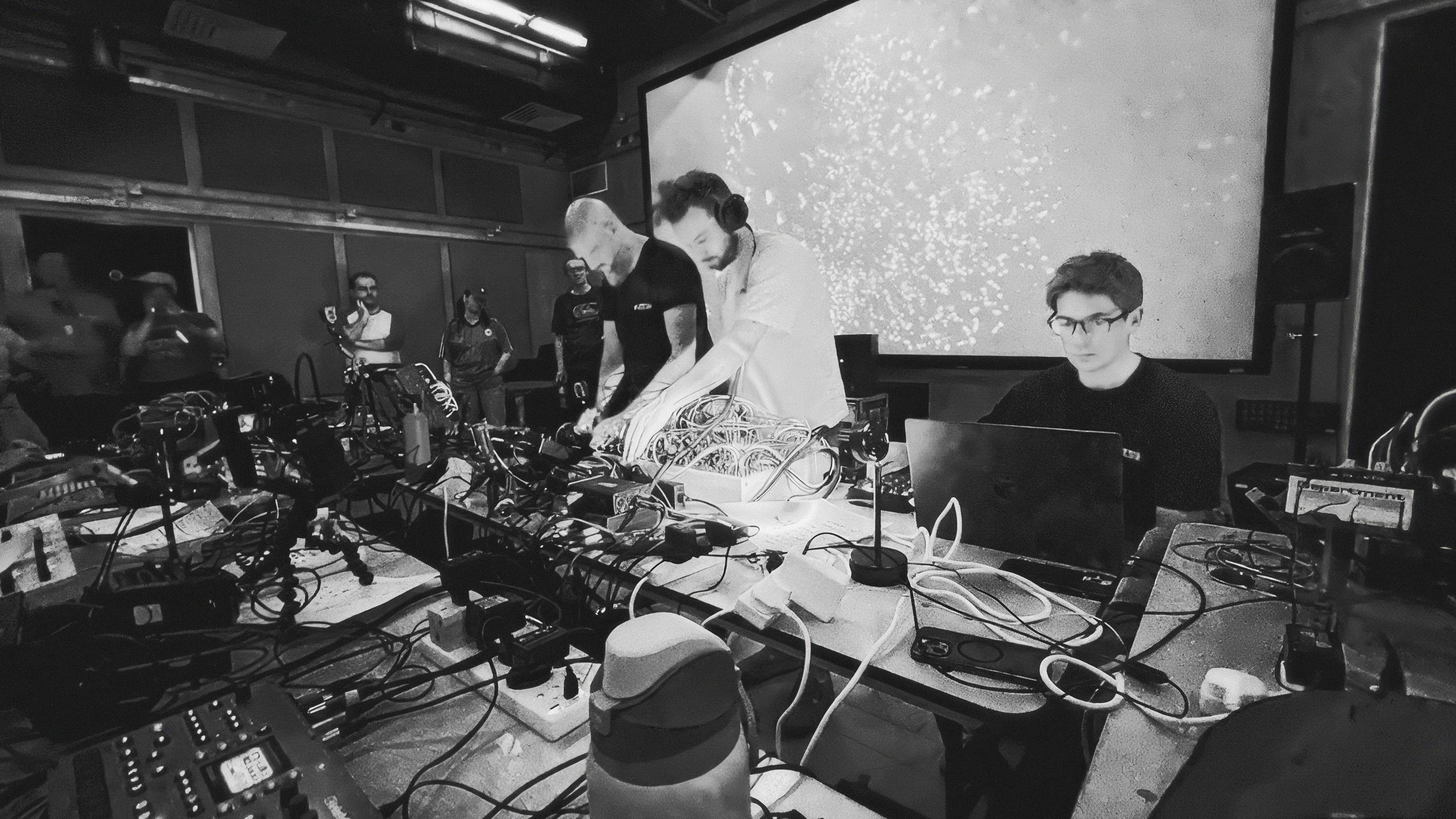
The goal is to turn up to a gig and have a working visual system in a few steps. Instance primitive shapes into a system, connect it to inputs like sound, MIDI, or hand movement, and use it to enhance a live performance. I’ve used it this way at my own performances.
Built for performance
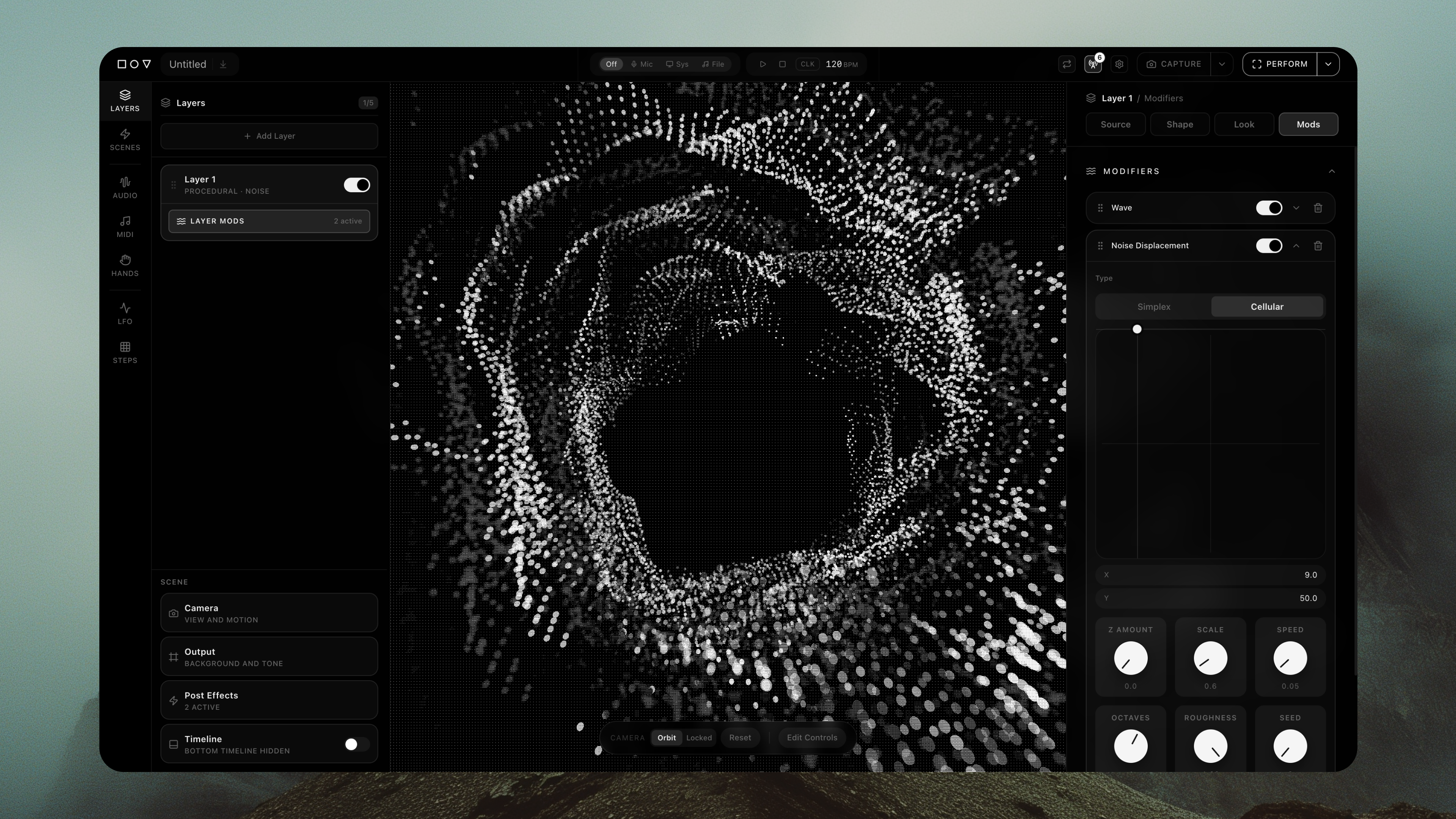
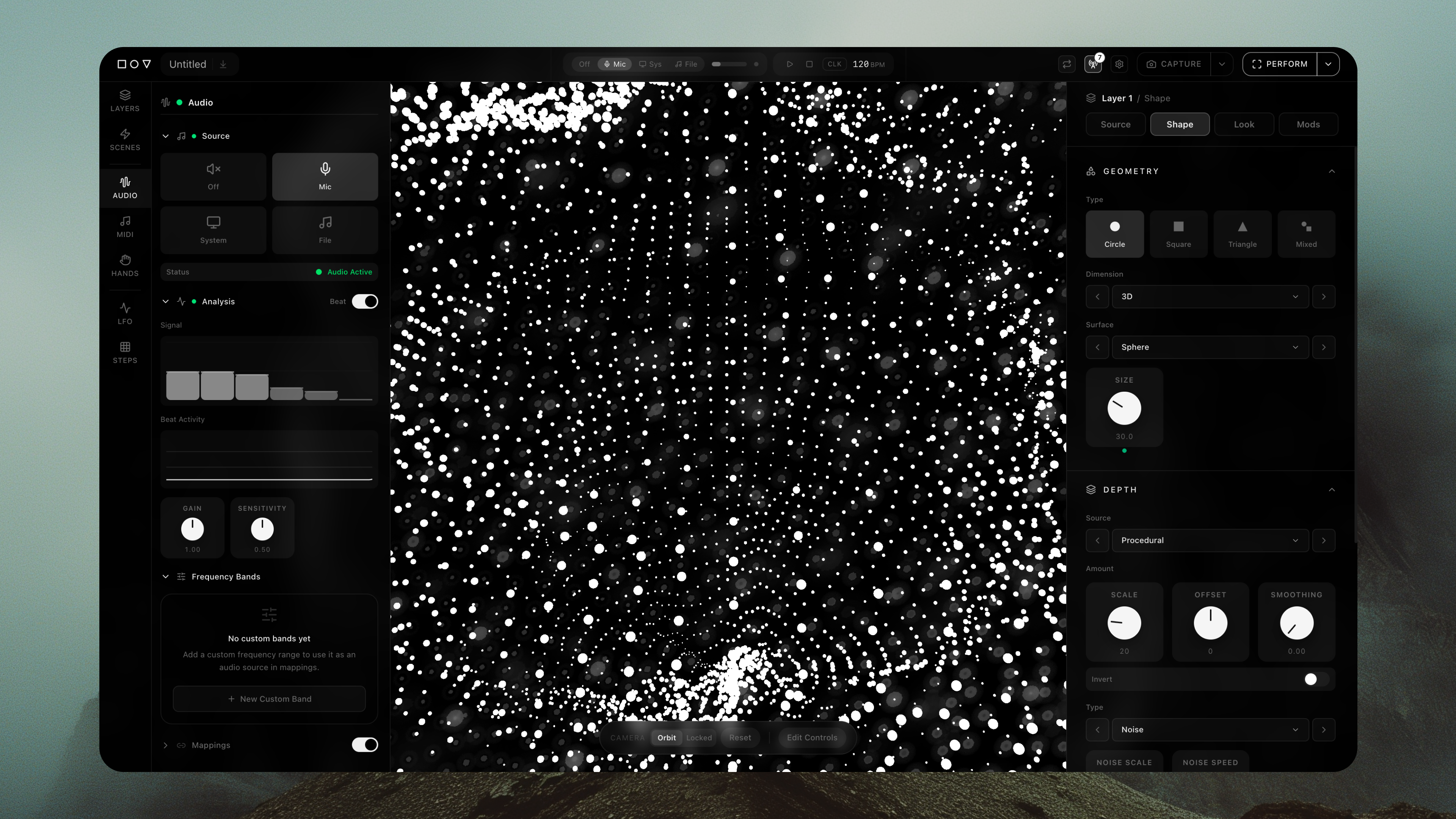
Every composition starts from a handful of primitive shapes, instanced into layered systems. Audio, MIDI, LFOs, and procedural noise can all become modulation sources, so a structured system can still produce expressive and unpredictable results. The interface is built around immediate feedback, giving performers direct access to the controls they need without obscuring the composition.
Interface details
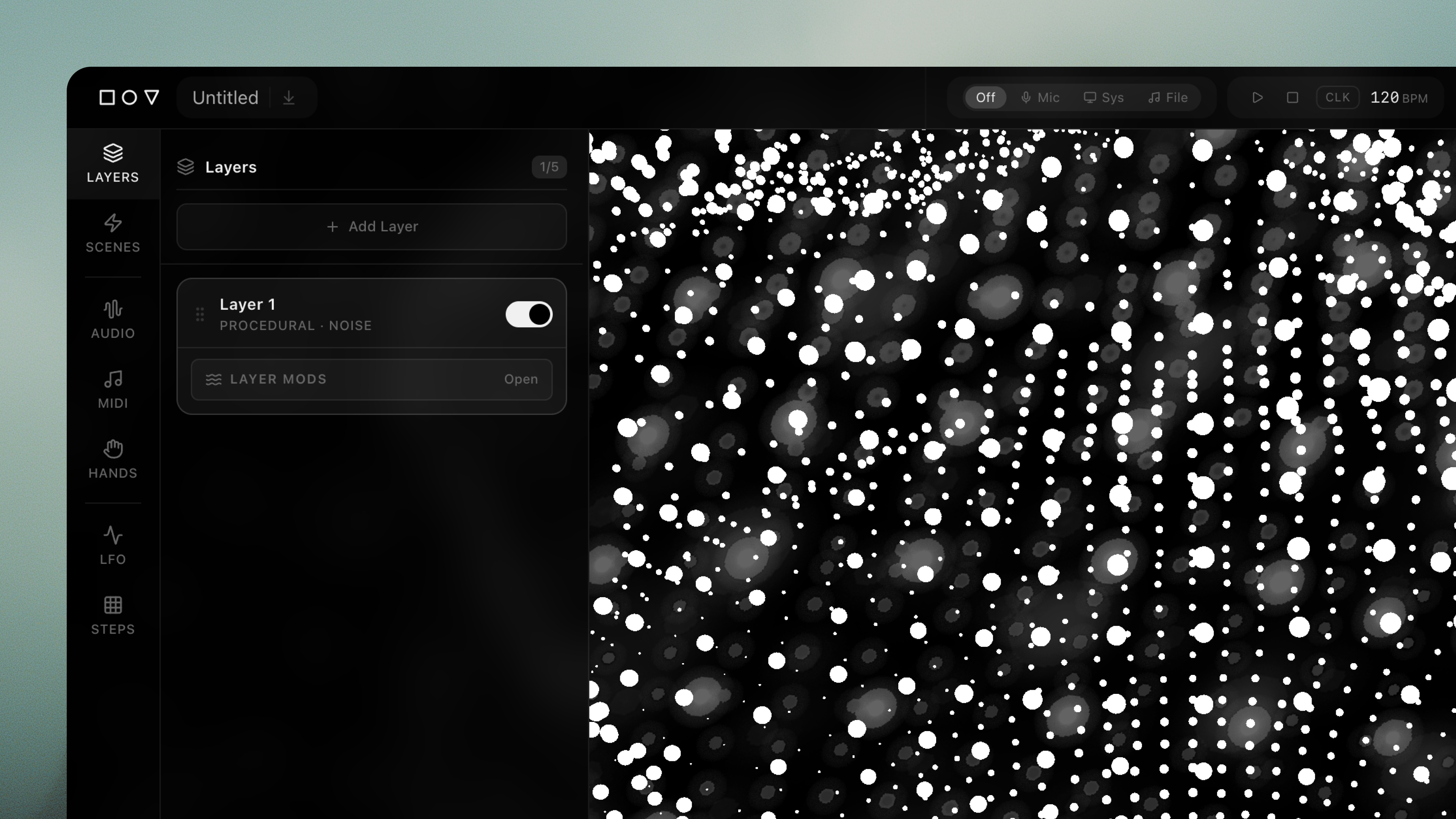
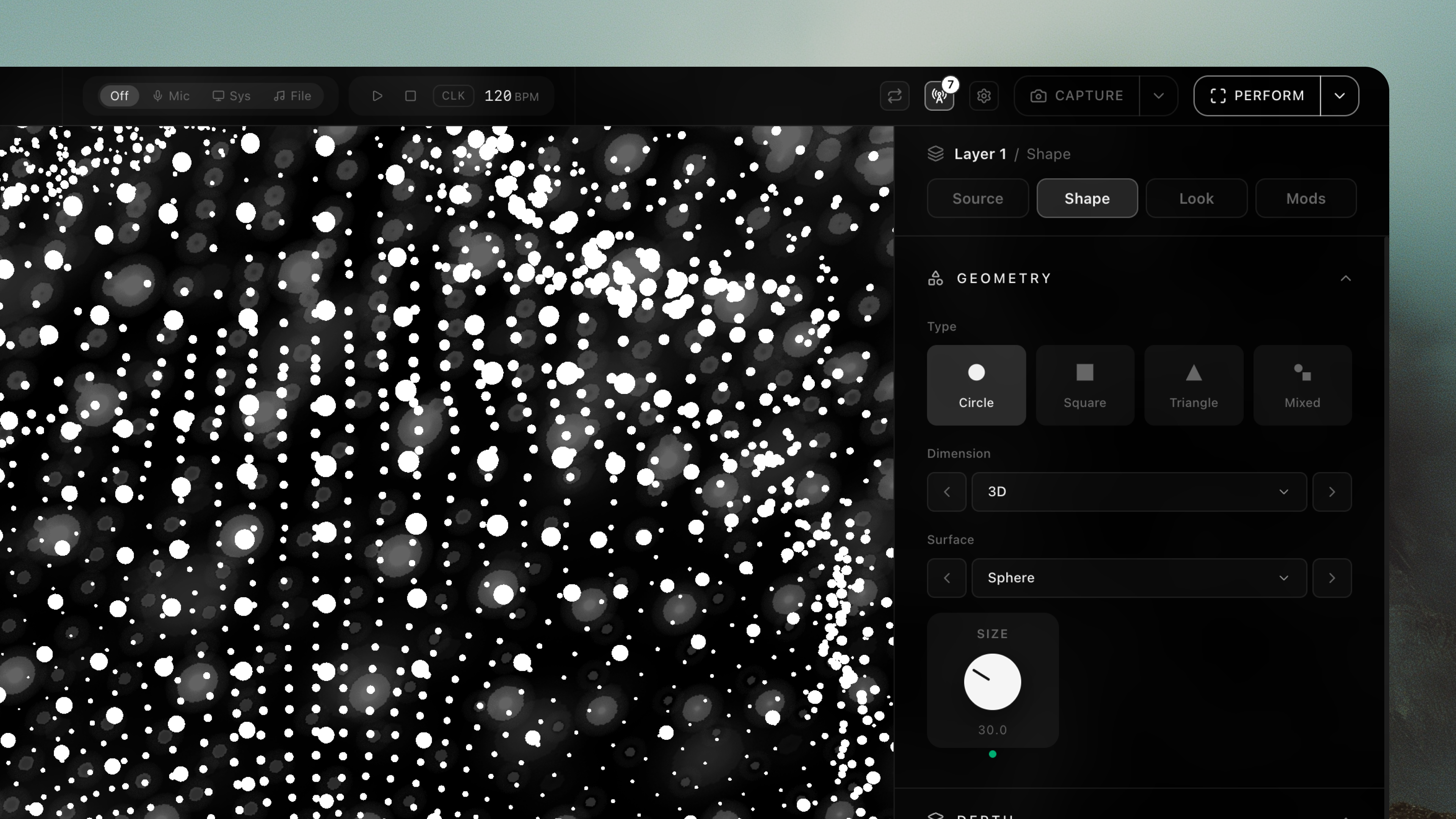
Panels on either side of the canvas keep every control one step away. Signal sources such as audio, MIDI, and LFOs sit in the left rail next to the layer stack, and each layer’s Source, Shape, Look, and Mods settings live on the right. Knobs, segmented choices, and stepped selects are sized for quick adjustments mid-performance.
What it makes
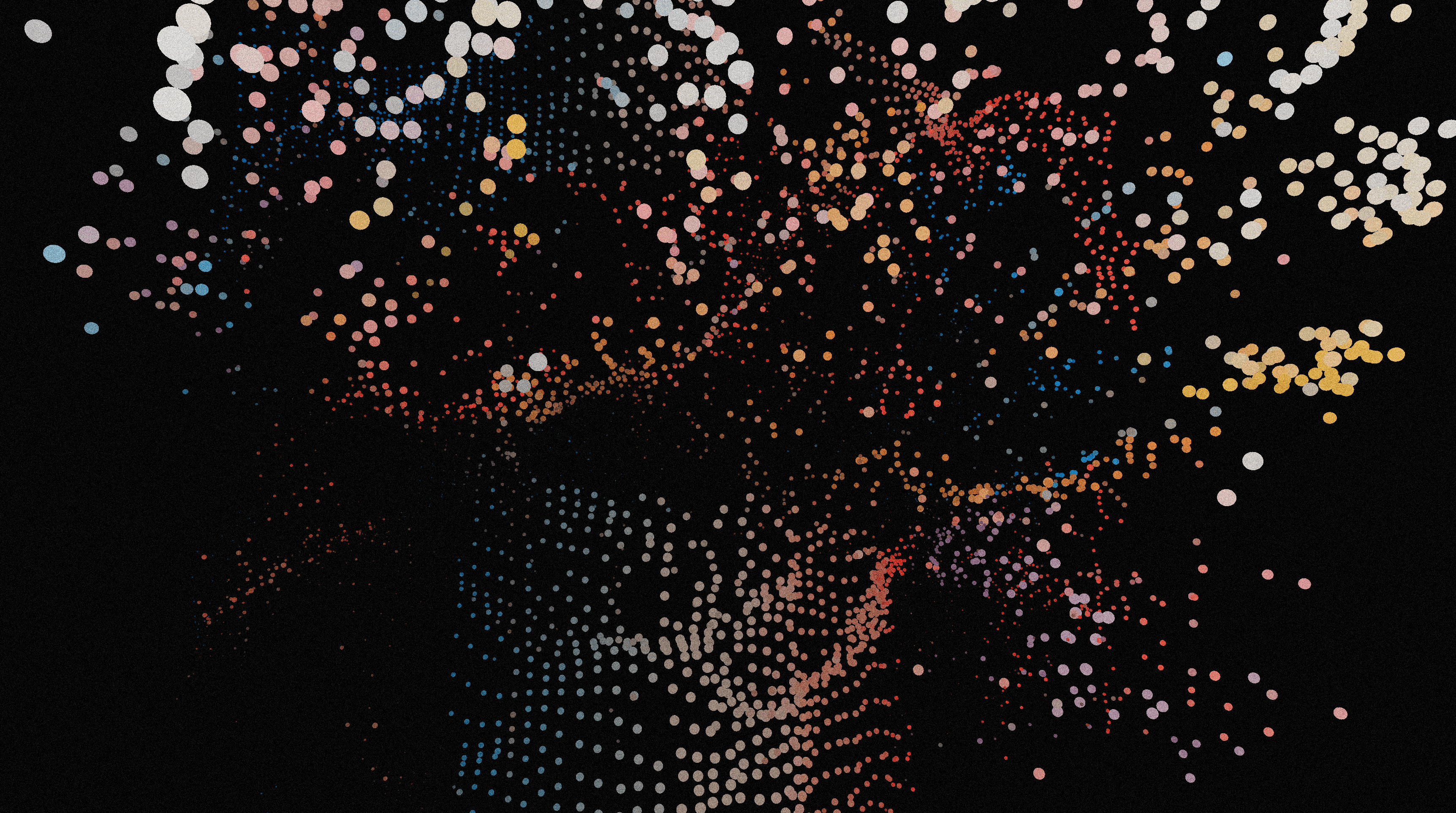
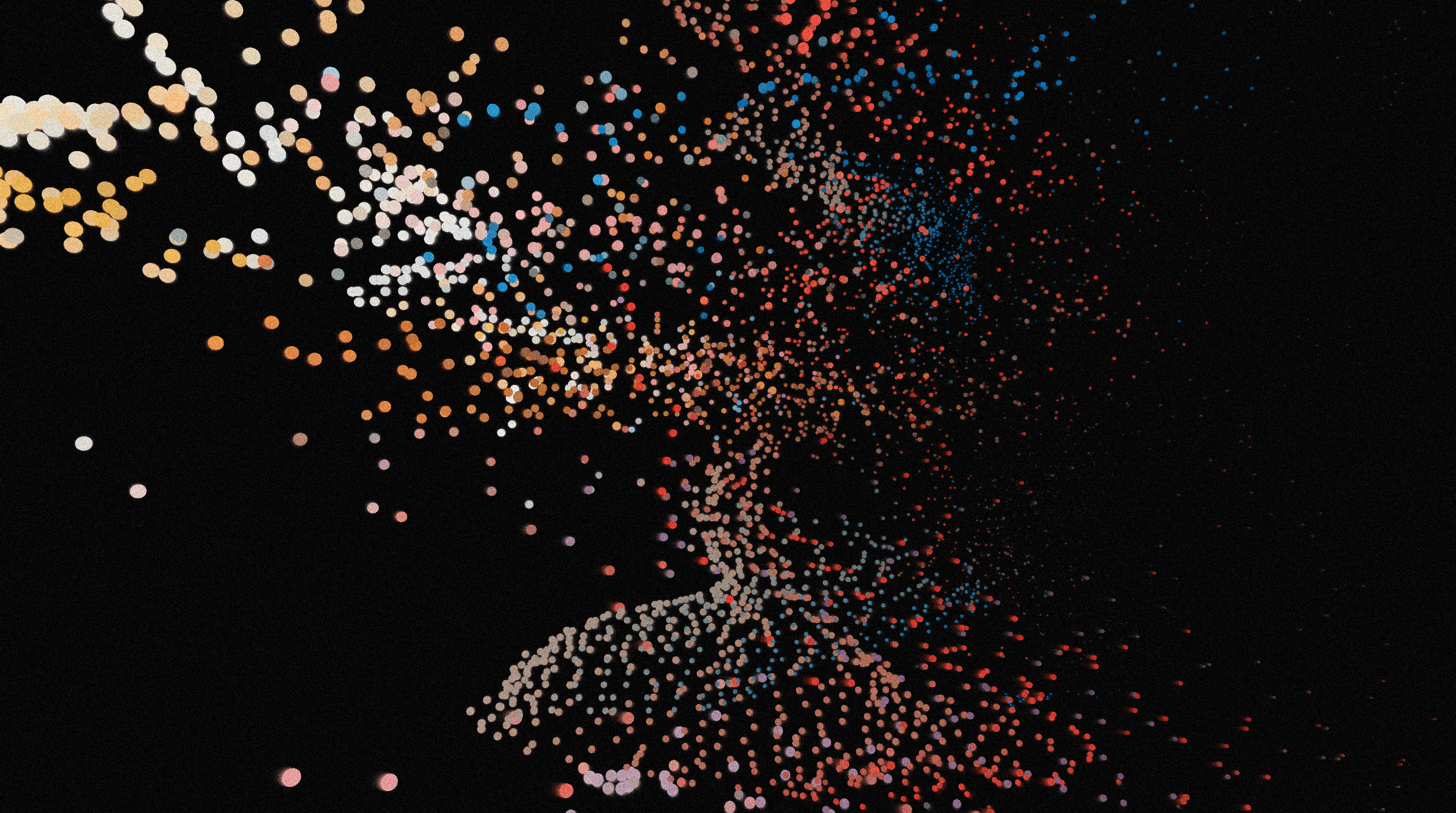
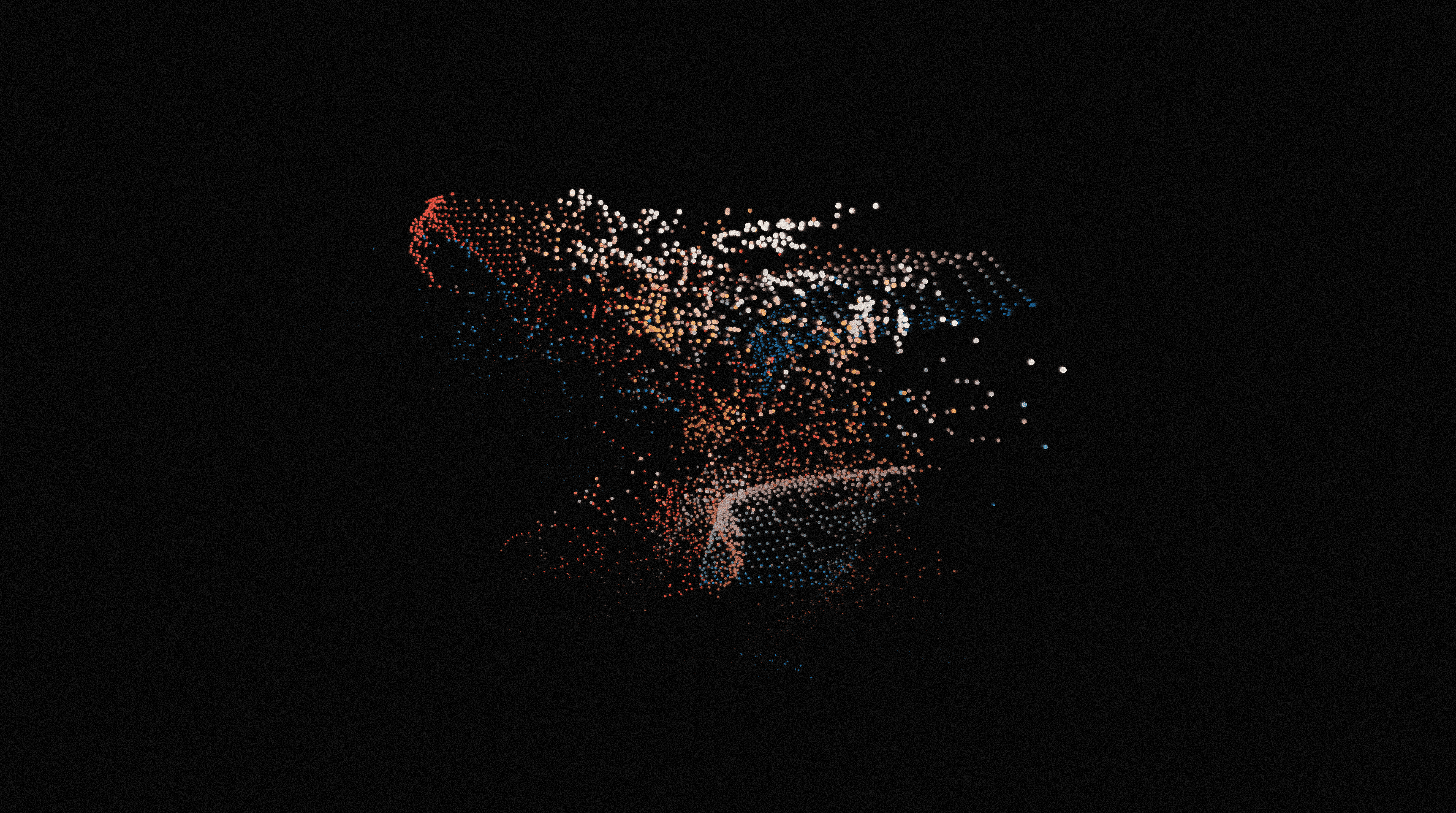
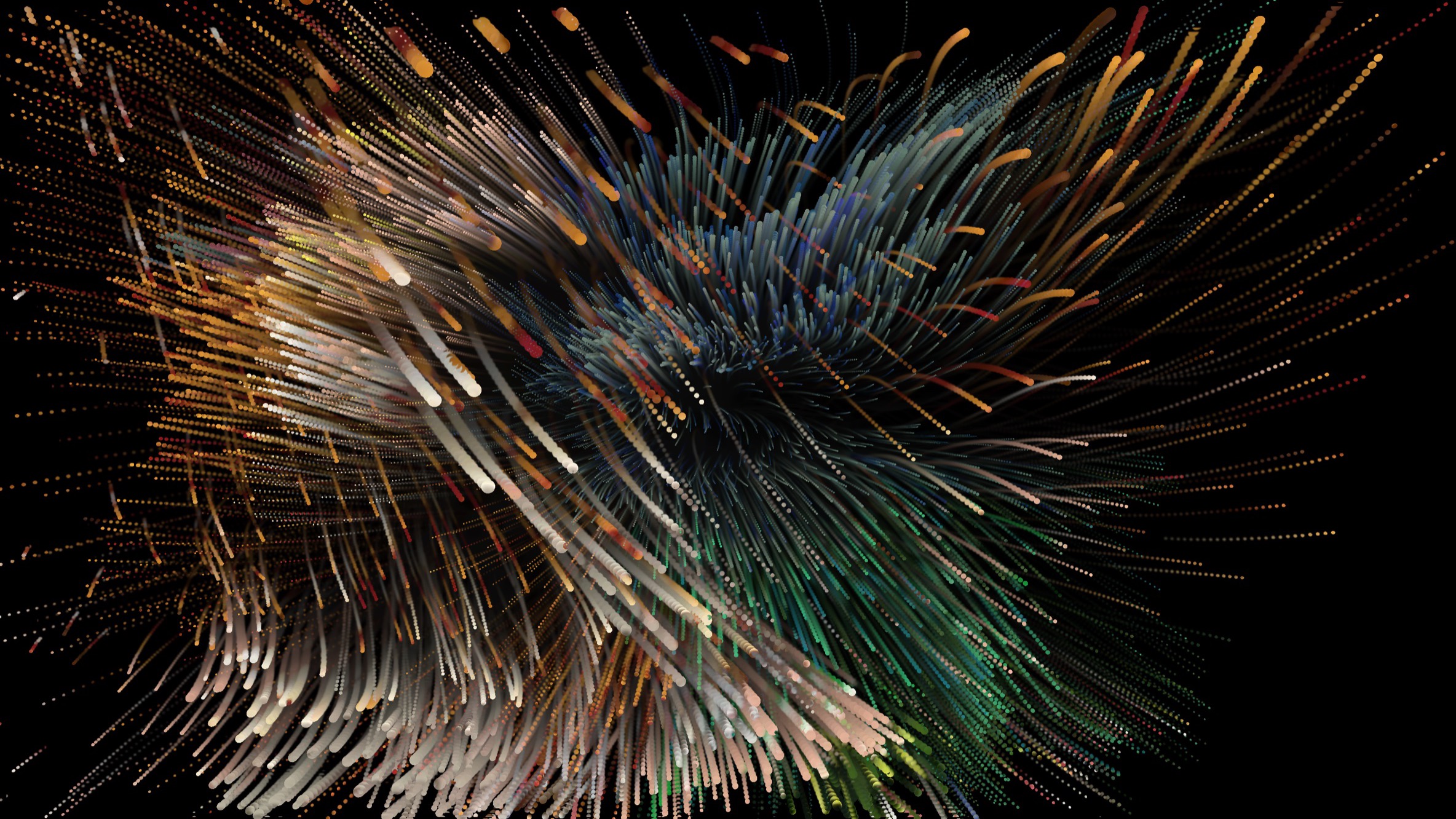
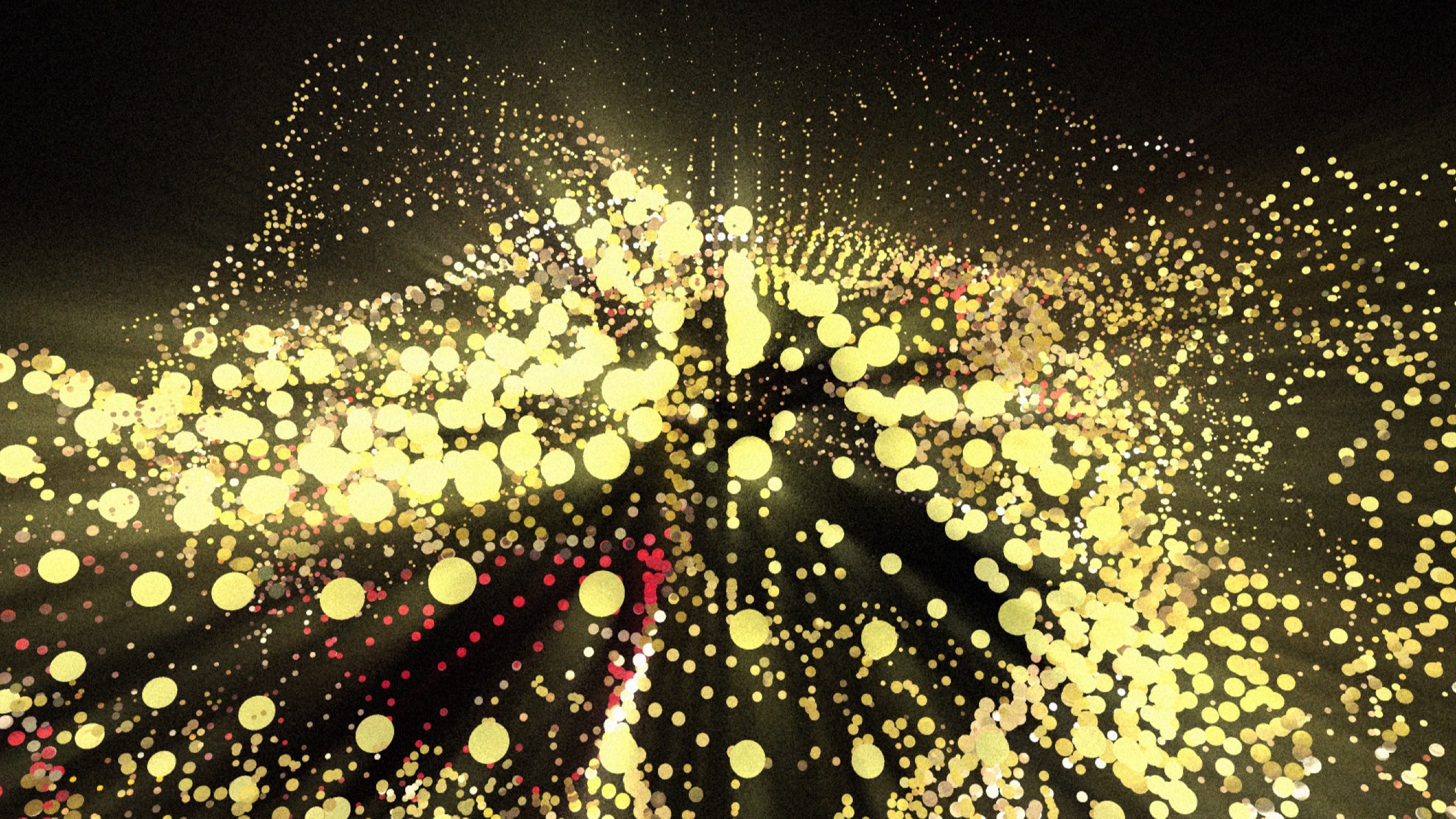
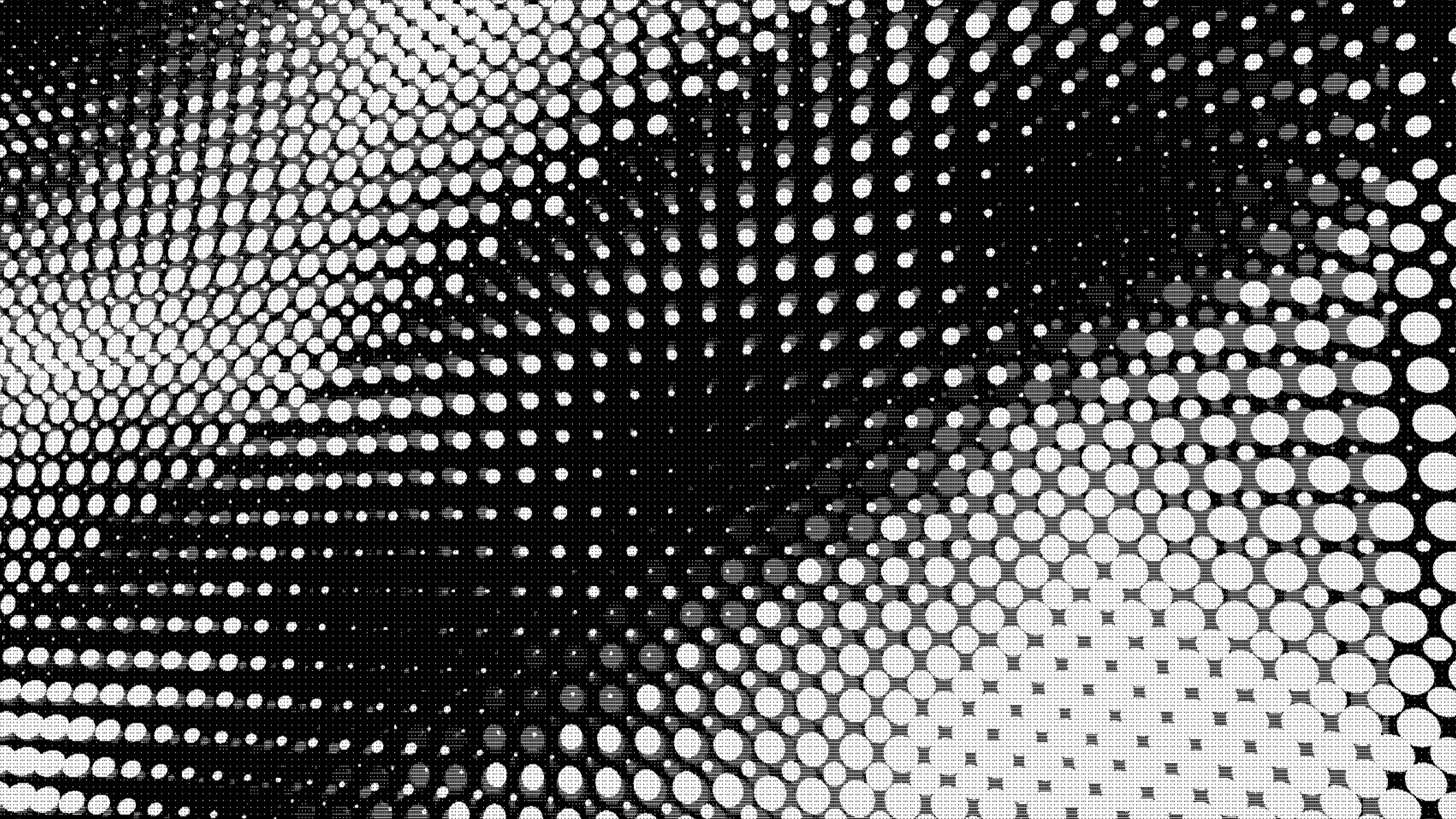
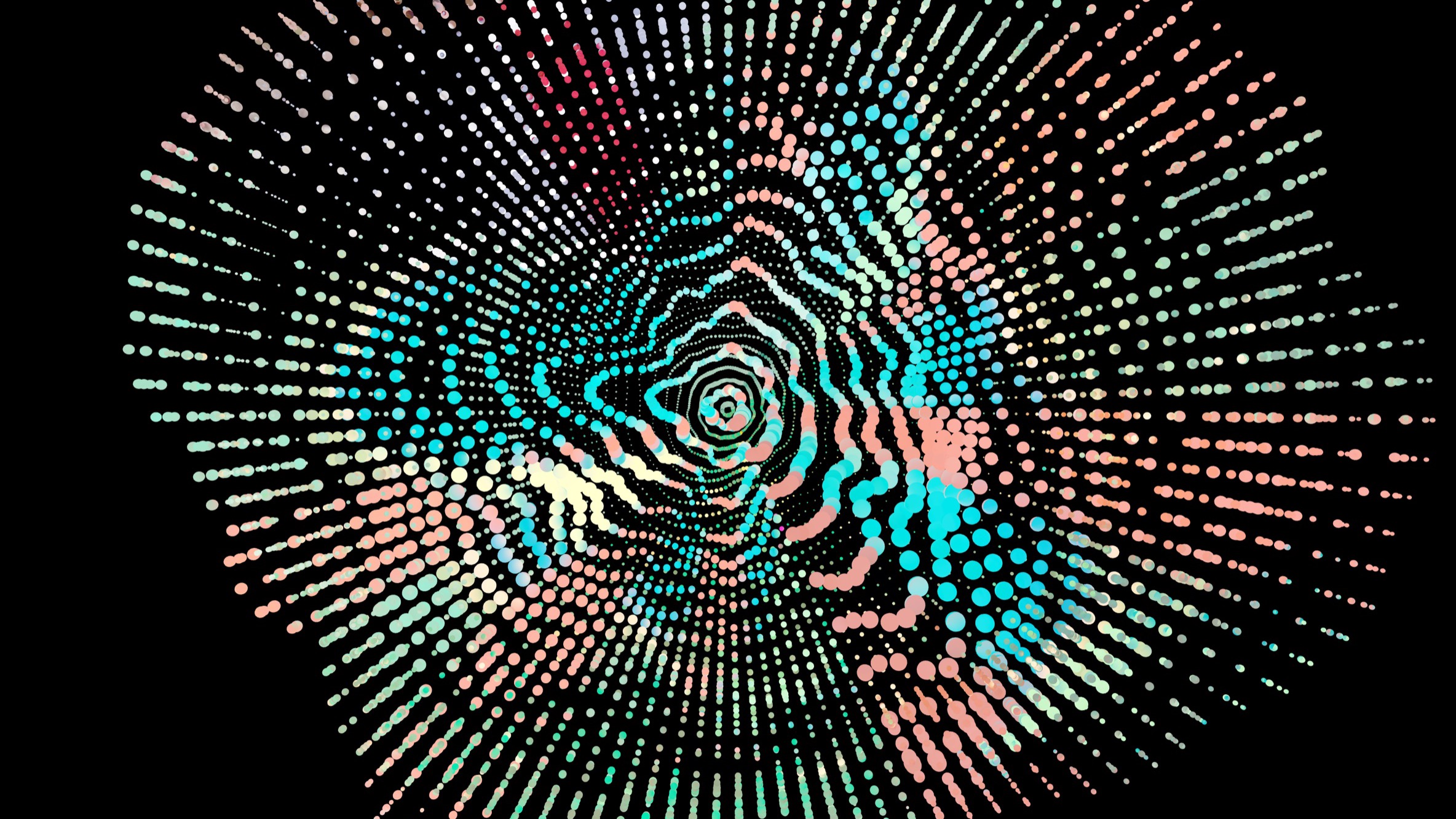
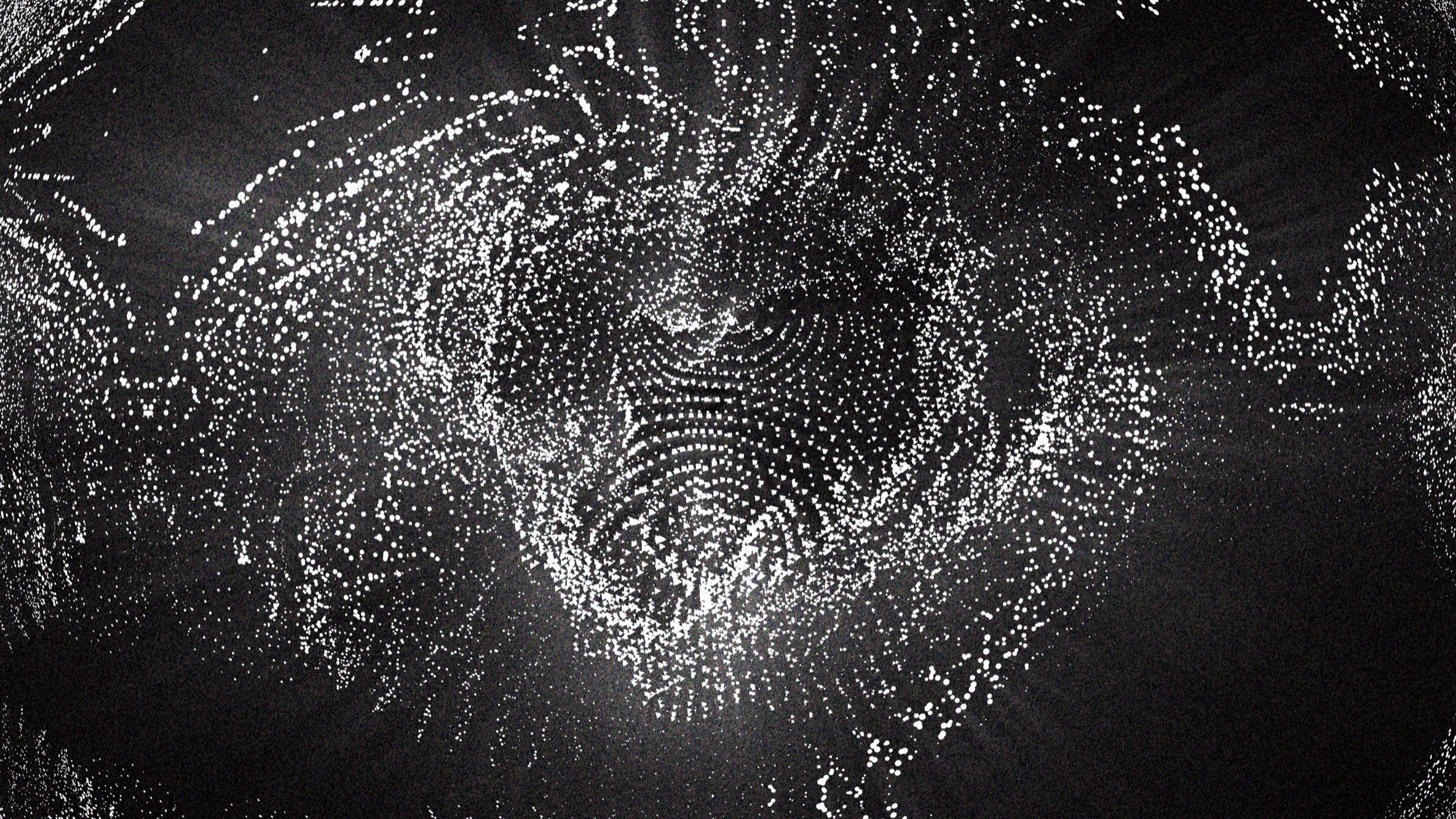
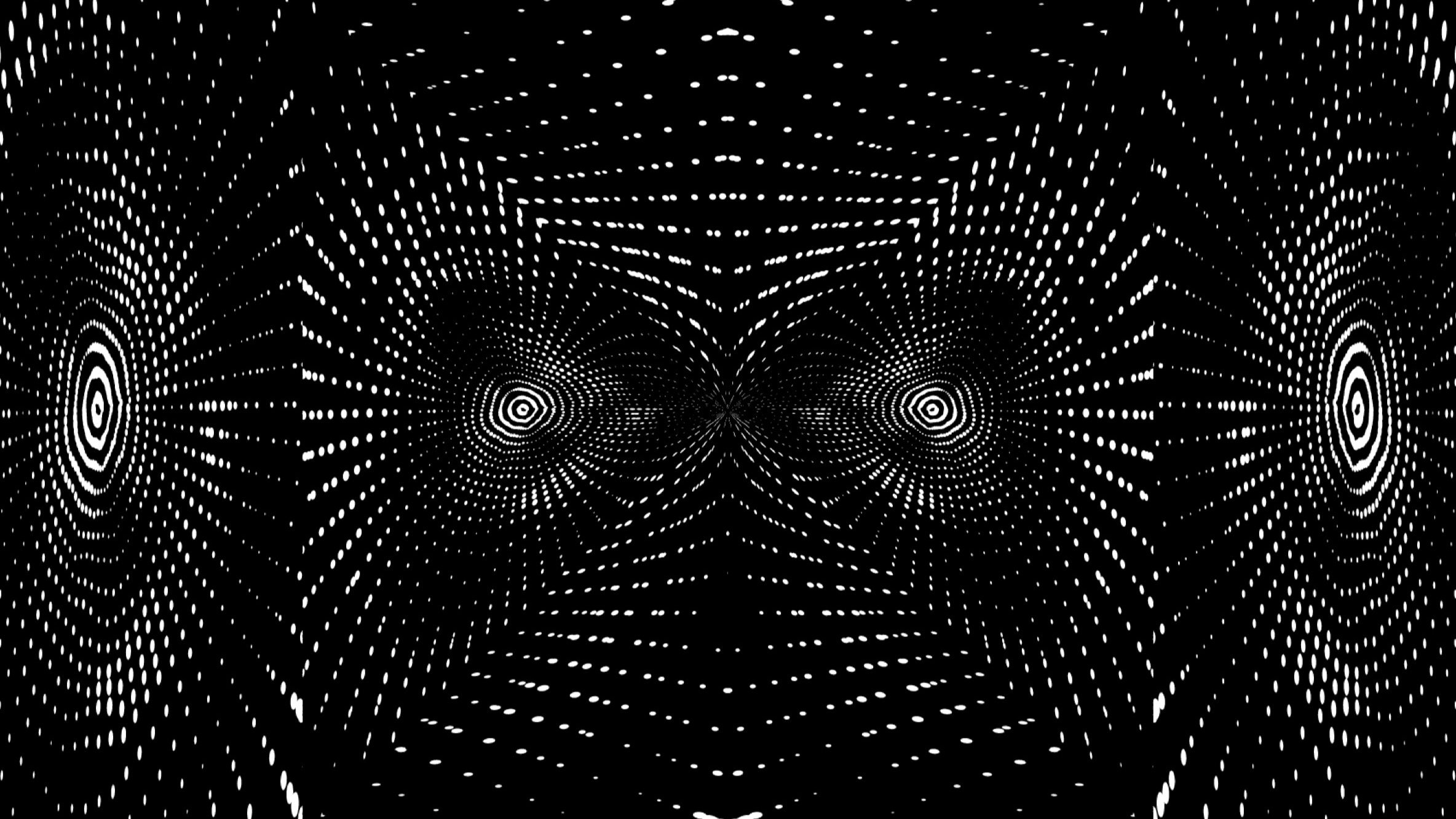
A selection of stills and recordings exported straight from ModVisuals. The same layered systems can produce dense monochrome fields, soft colour, and hard-edged symmetry, depending on how the layers and modulation sources are set up.
In motion
Stills only show a single frame. Because every layer can be driven by audio, LFOs, or noise, a composition keeps evolving with the music. These recordings capture how the systems move and respond over time.
On stage
ModVisuals in use at a modular synth performance, where live, audio-reactive visuals built with the tool played behind the musicians. It was an interesting experience: I was creating the visuals and, at the same time, the tool that created them.