Why I built it
ModFont started from three motivations: learning a new way of working, making something I cared about, and solving a problem I kept seeing among designer friends.
Learning by building
I wanted to go deeper into engineering with AI tools. I deliberately set Figma aside and designed through prompts alone, so the tool took shape in working code from the start.
A tool I cared about
Type design is a personal passion. There are plenty of font editors already, but I was interested in one focused on getting a typeface up and running quickly.
From shapes to a working font
Designers often start a bespoke display typeface by drawing letterforms in Illustrator. That’s great for refining shapes, but it doesn’t produce a font file, so setting the letters on a poster means assembling them by hand. ModFont makes it quick to create and export a functioning typeface instead.
A first prototype
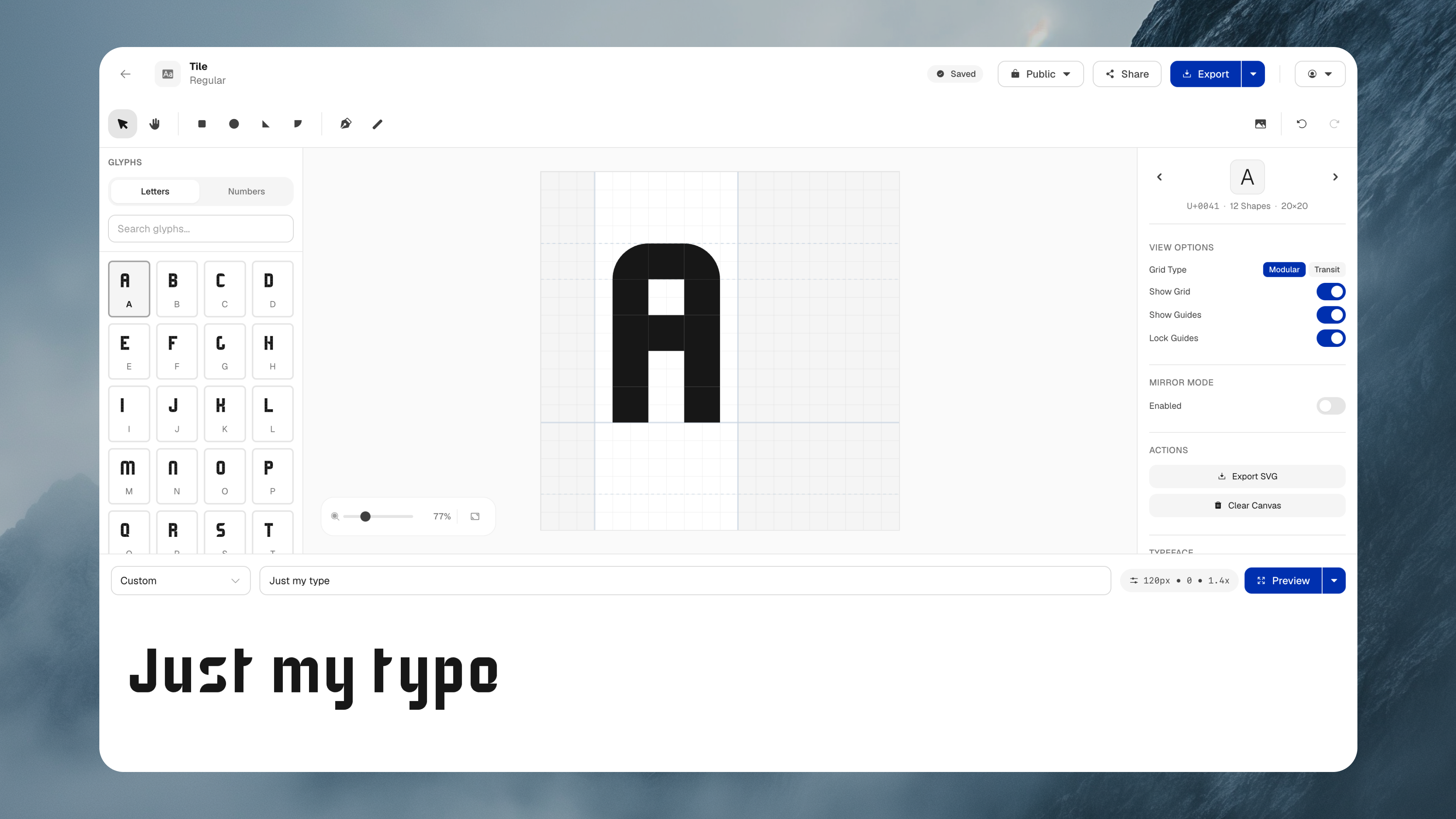
The first step was a one-shot prototype, generated from a single prompt. It gave me something tangible to test, and its layout helped shape the final tool: a glyph library, a central editing grid, an inspector, and a live preview. But the editing itself behaved more like a bitmap editor, painting individual cells rather than composing letterforms from modular shapes. There was a useful structure here, alongside assumptions I needed to challenge.
Early prototype, then called ModGrid. This silent recording shows glyph editing by painting cells on a grid, with a glyph library on the left, an inspector on the right, and a text preview below.
Shaping the tool
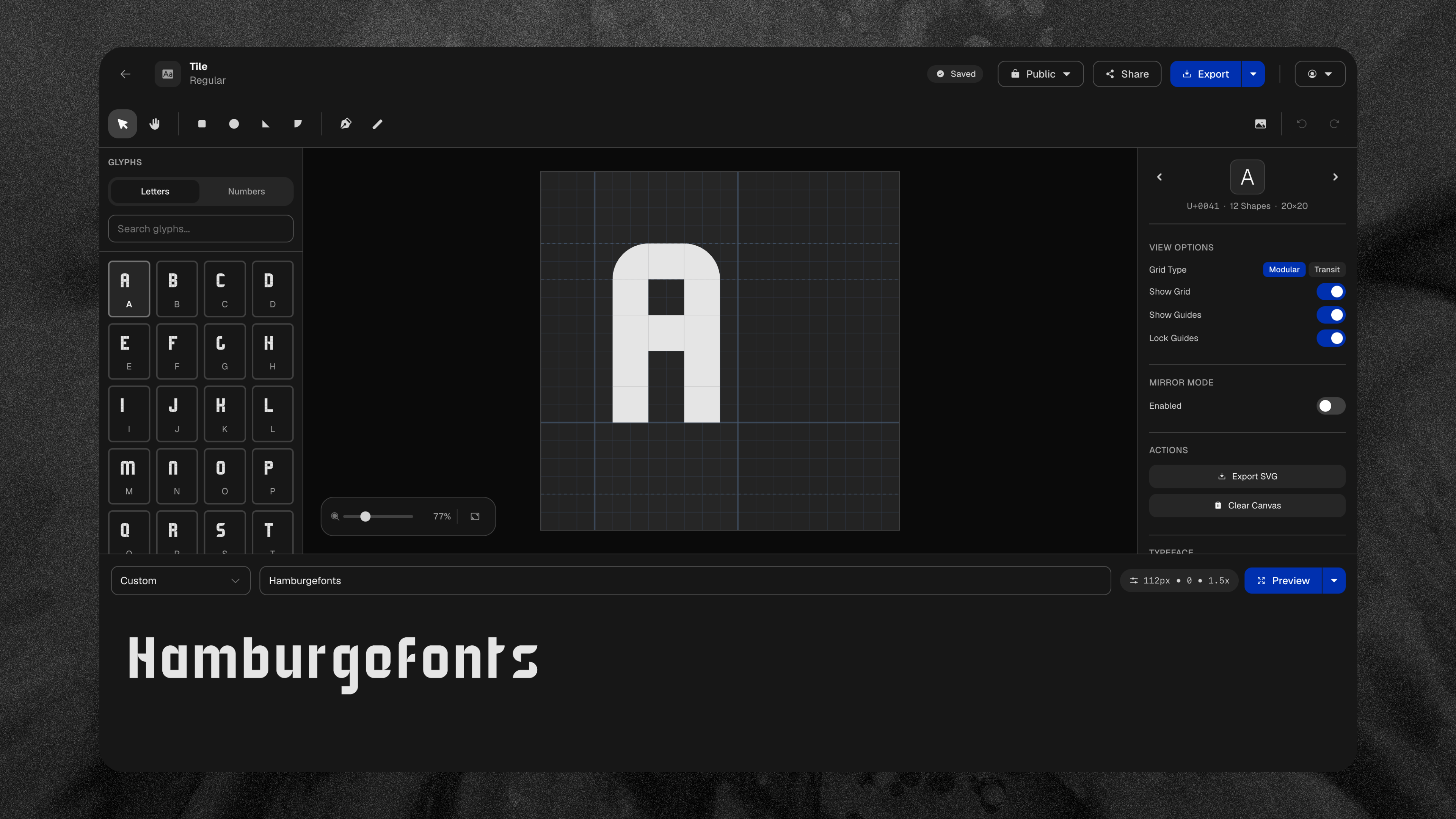
The first working version was the beginning of the design process. Through continuous iteration, I kept what served the idea and reshaped what didn’t, pushing ModFont towards the modular type-design tool I had in mind. Working with AI made it more important to have a clear vision and be opinionated about the details. The assistance helped me build, but the craft, judgement, and decisions about what the tool should become remained mine.
A design system
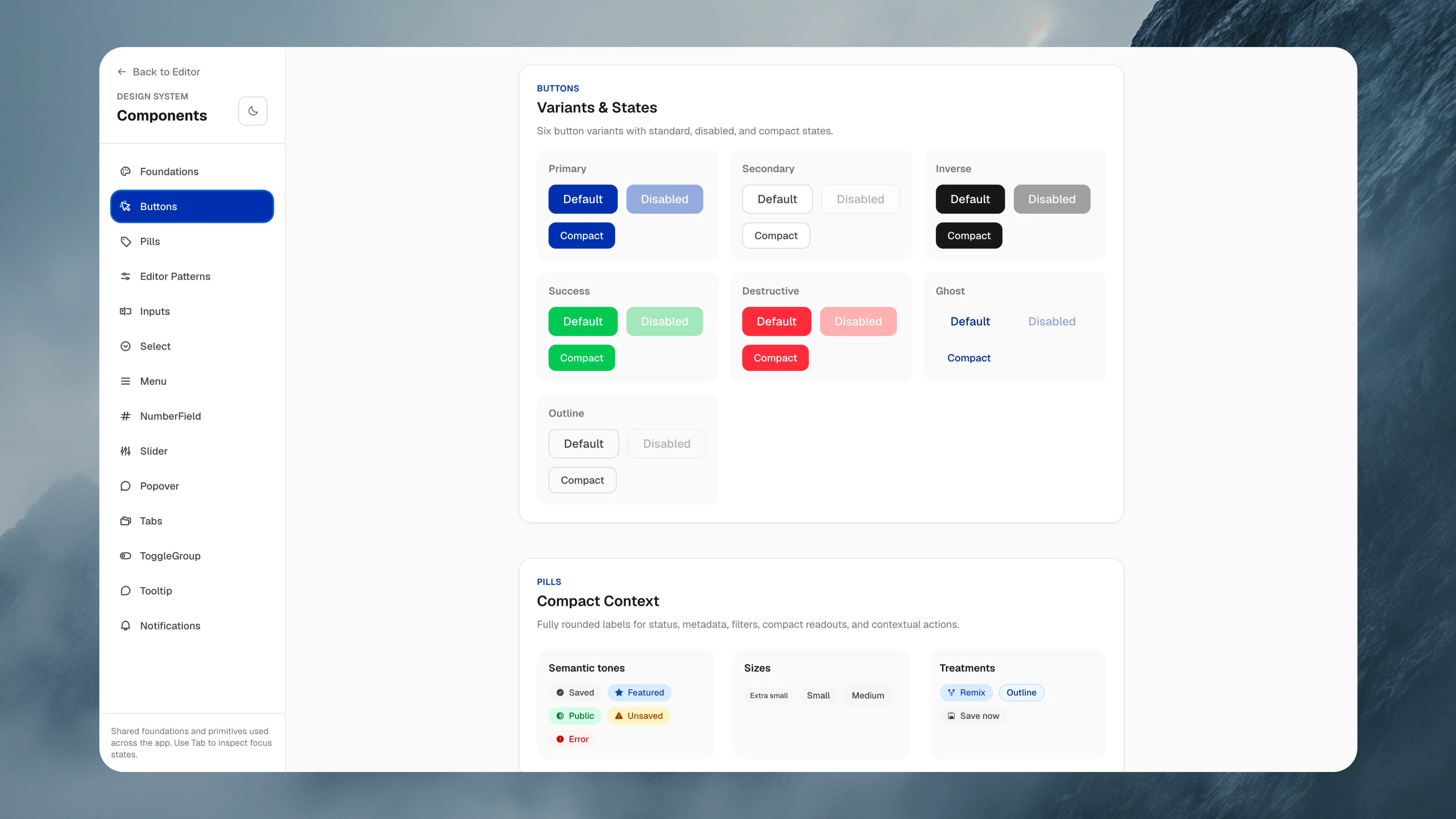
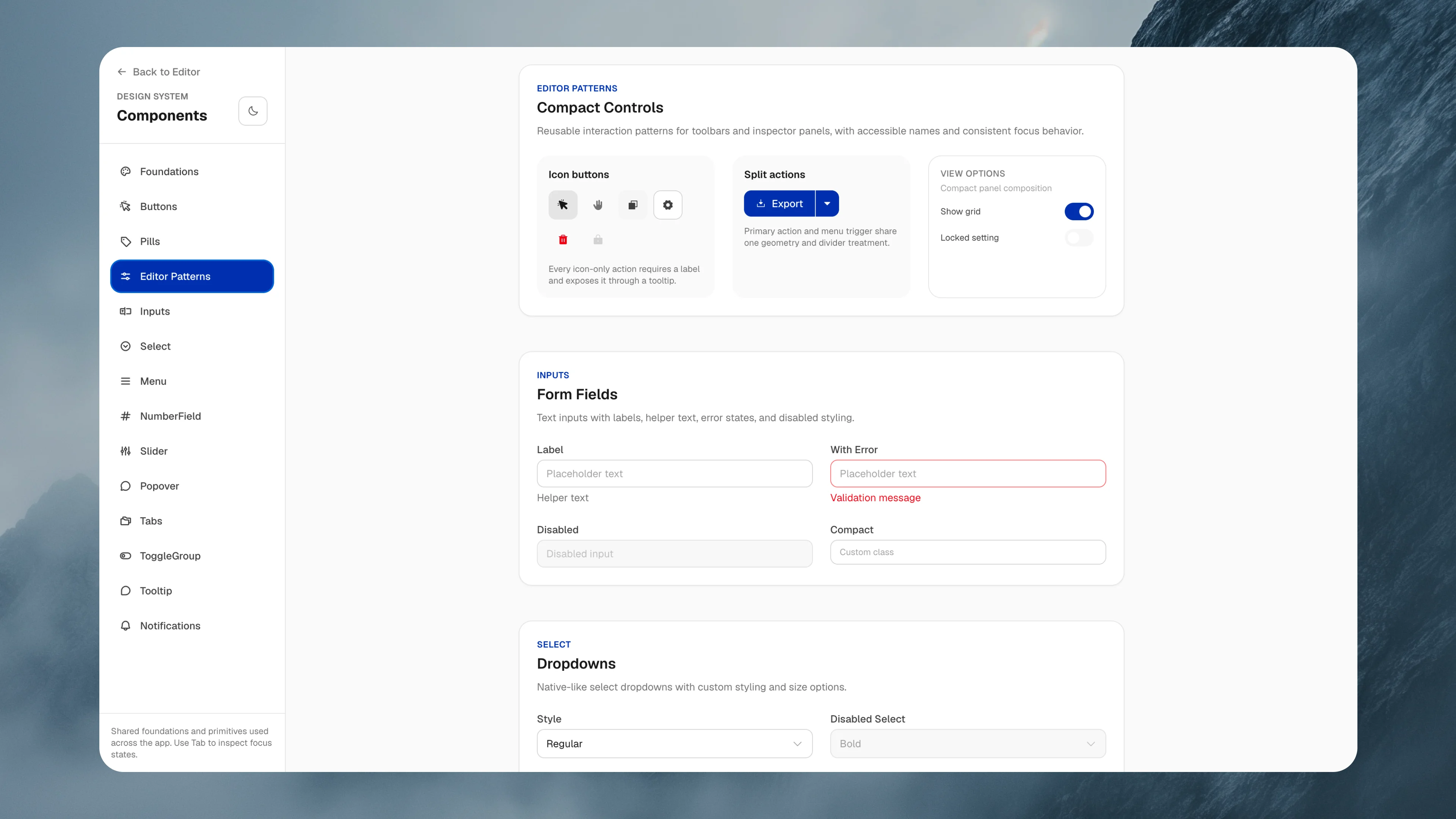
As the tool grew, I gathered its shared foundations and primitives into a small design system, documented on a components page inside the app. Buttons, pills, inputs, and compact editor controls share one set of variants, states, and focus behaviour, which kept new features consistent and gave the AI-assisted build a clear reference to work from.
The tool in action
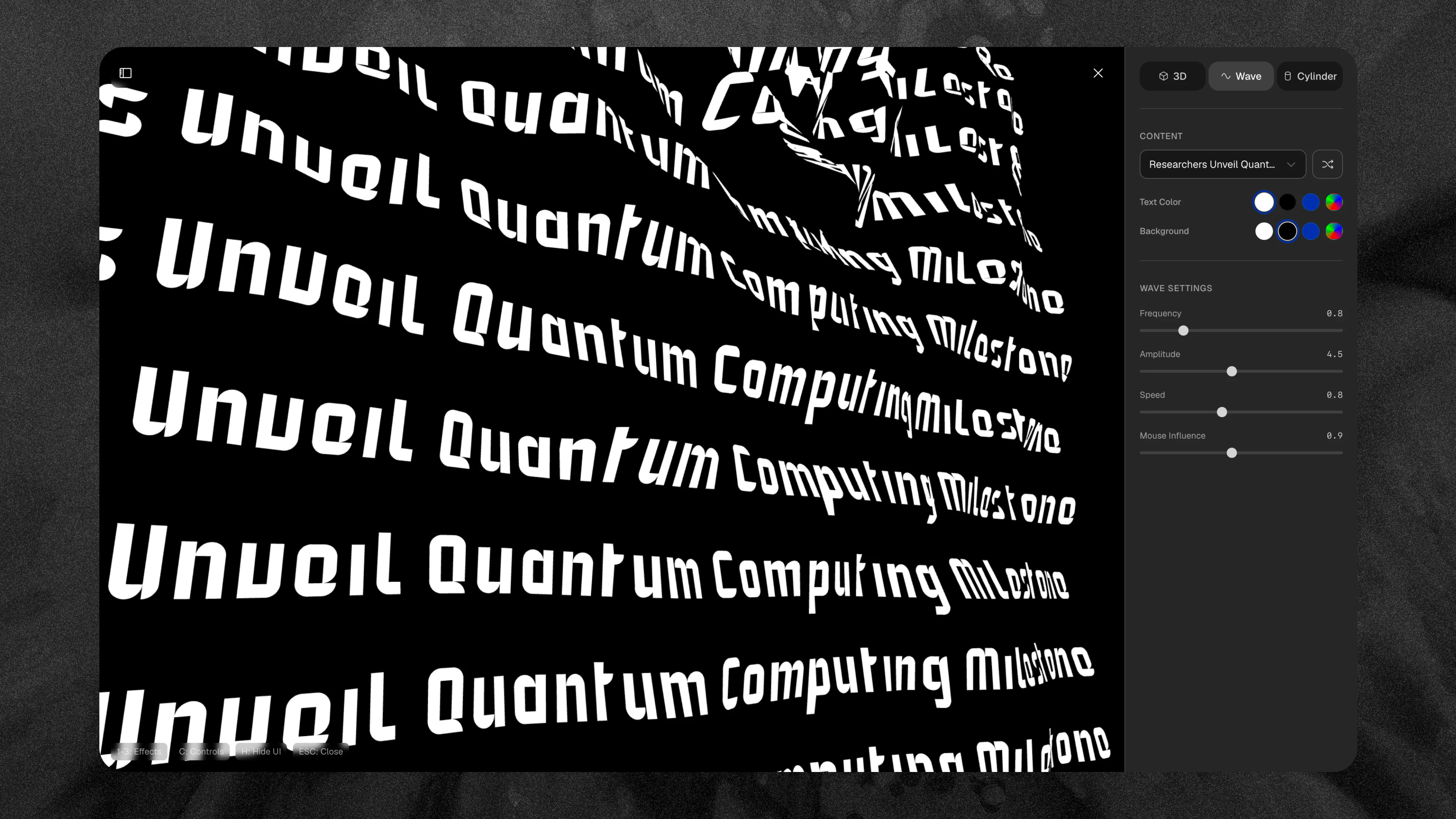
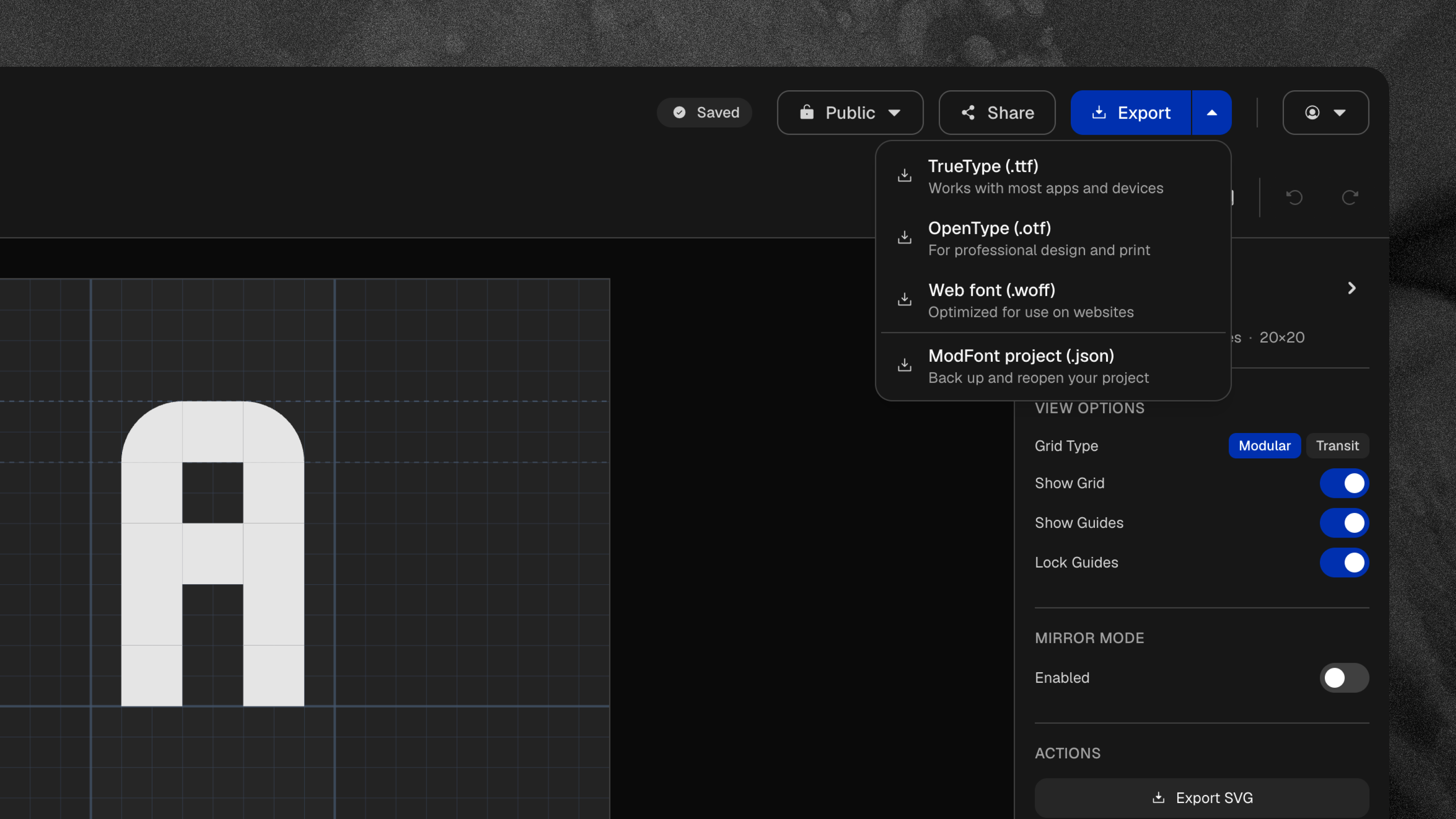
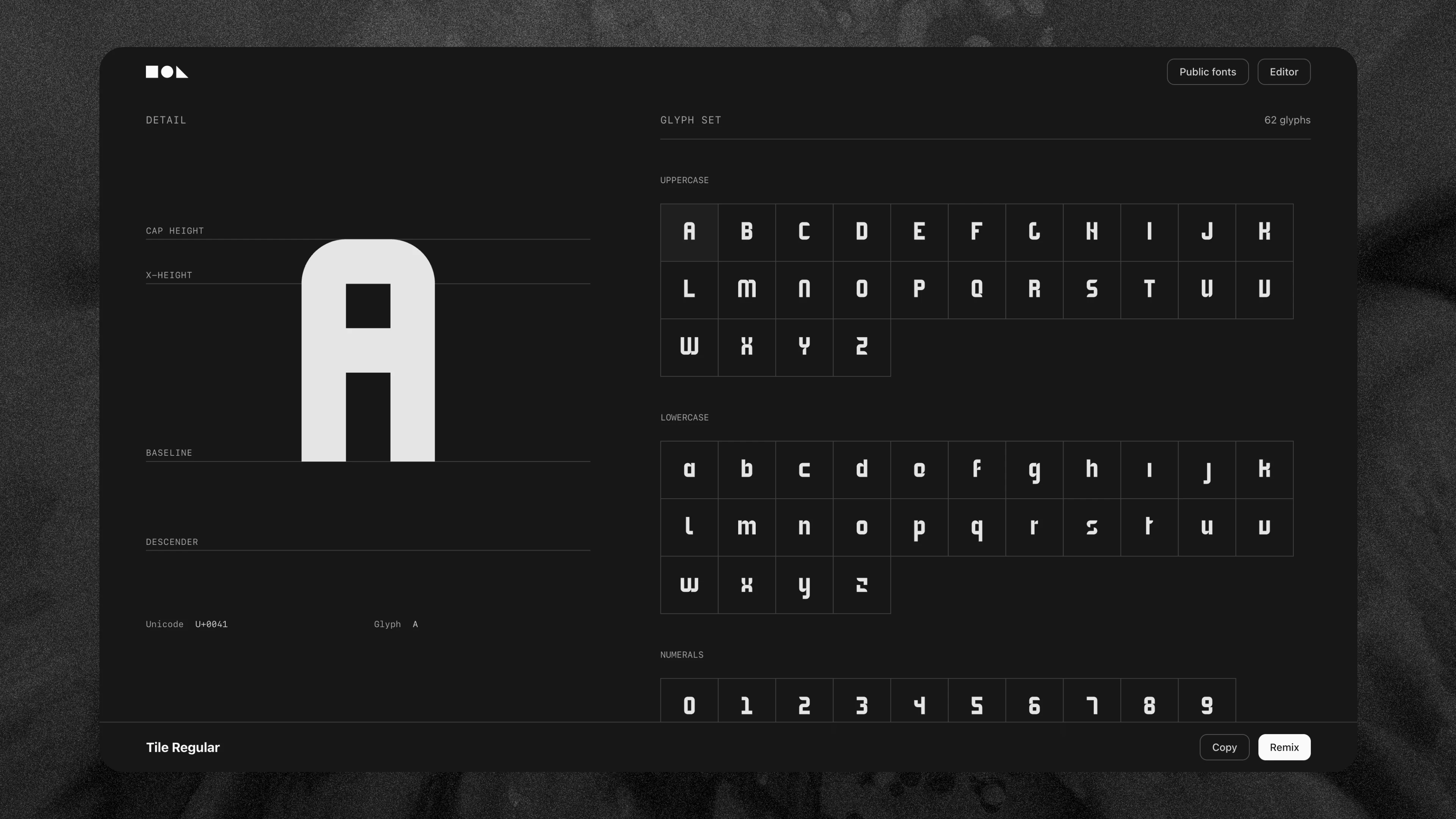
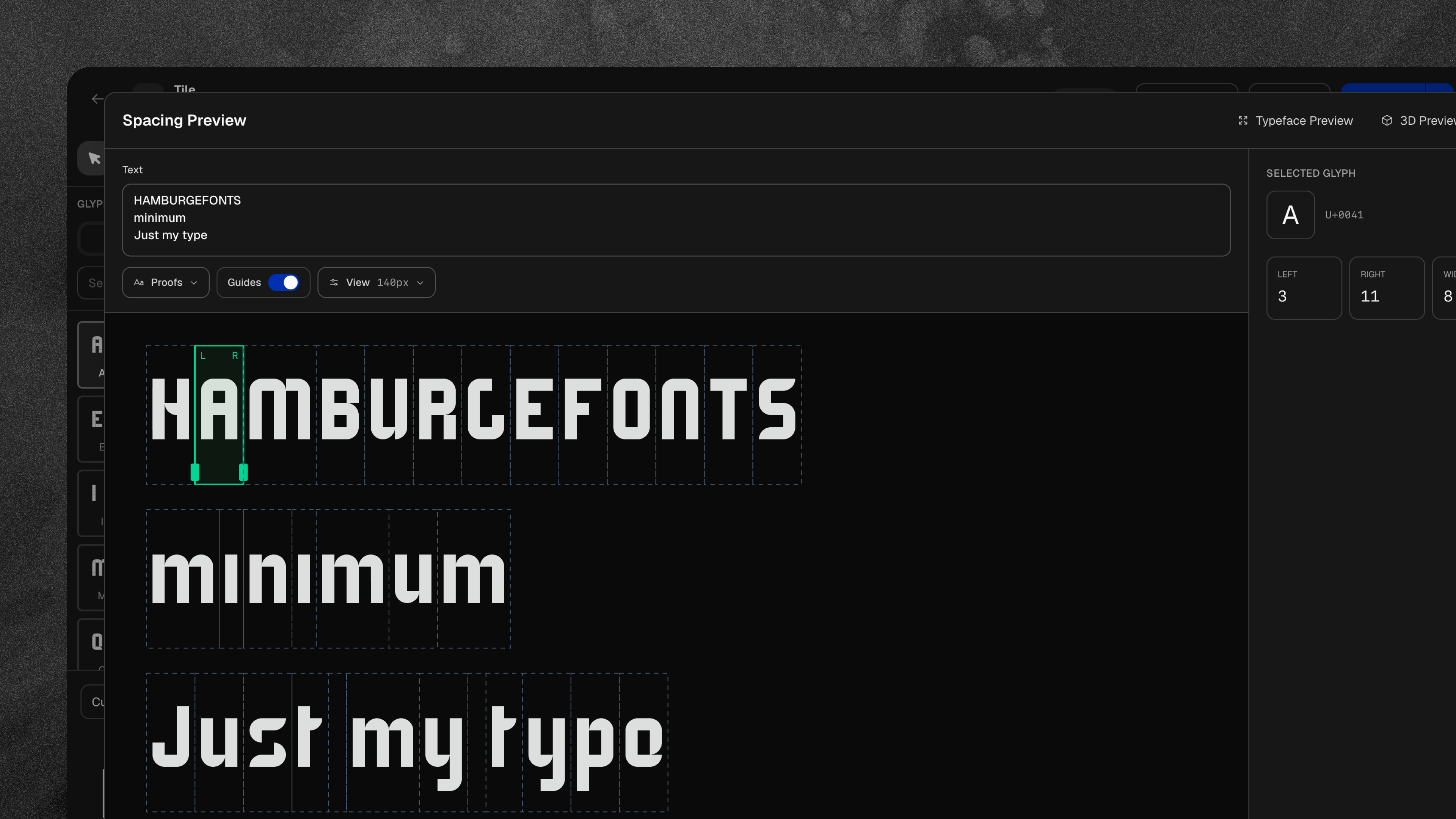
ModFont as it stands today brings the whole process together in one place: building glyphs from modular shapes, testing spacing against proof texts, previewing the typeface in motion, exporting a working font file, and sharing it with others. It’s still evolving, and each typeface I make with it shapes what the tool becomes next.