Product Design / E-commerce / Digital Transformation

11 / 12

SuperValu

SuperValu project

Overview

SuperValu is one of Ireland's largest supermarket chains, known for fresh local produce and stores full of handwritten signs, market stalls, and staff recommendations. Its online shop offered little of that. It felt like a catalogue, and it was hard to use on a phone.

The project refreshed the online shopping experience to bring it closer to the visual richness of the stores, and redesigned the flows behind it, from finding products to booking a delivery slot. The SuperValu team took part throughout, from workshops to reviewing designs, so the new site was one they had helped shape.

Make and do

To get the SuperValu team involved early, a make-and-do session asked them to build their own homepage from magazine cuttings, coloured paper, and marker pens. They had to decide what mattered enough to go on the page and what it should say. Messages such as “Save time, shop online” and “It’s fast, it’s simple, it’s convenient” fed directly into the final designs.
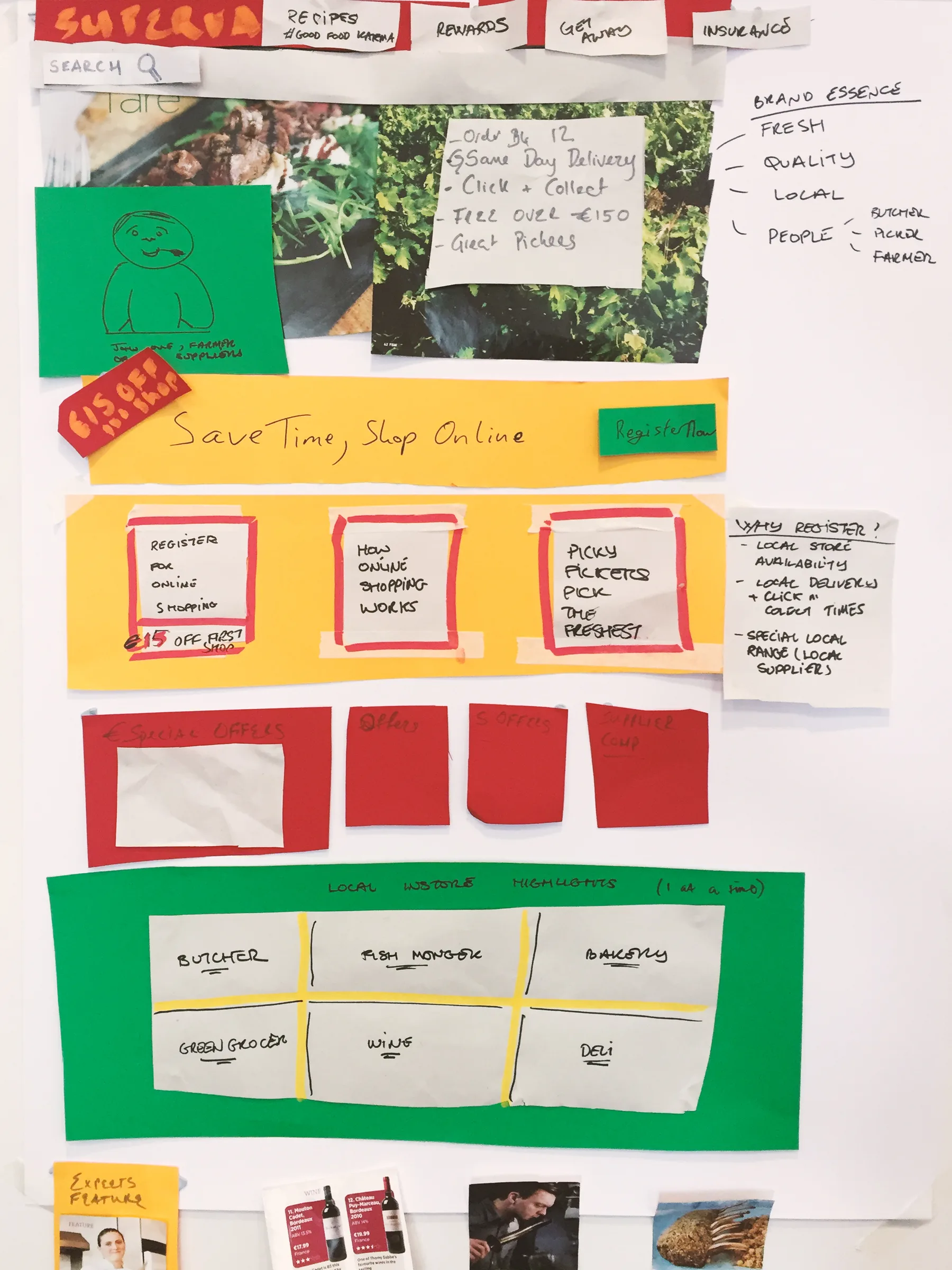
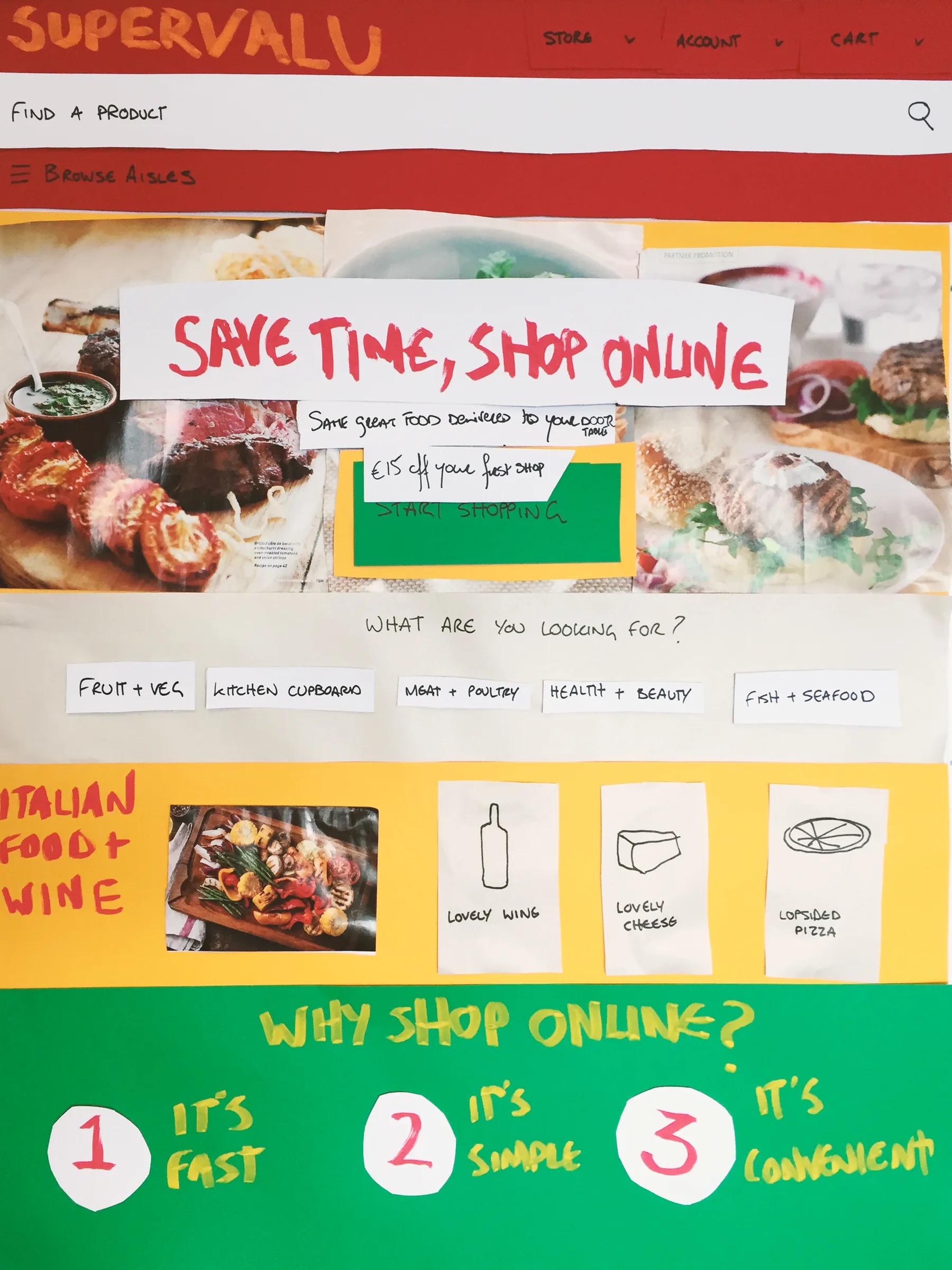
A paper homepage collage on a flipchart with a produce photo, a red banner reading Save time, shop online, and rows of coloured cards for categoriesA second homepage collage with a SuperValu header, a Save time, shop online headline, an Italian food and wine panel, and three reasons to shop online

Mapping the journey

Workshops with the SuperValu team mapped how customers shop online today, from signing up to collecting loyalty points, with personas and sticky notes pinned to the office walls.
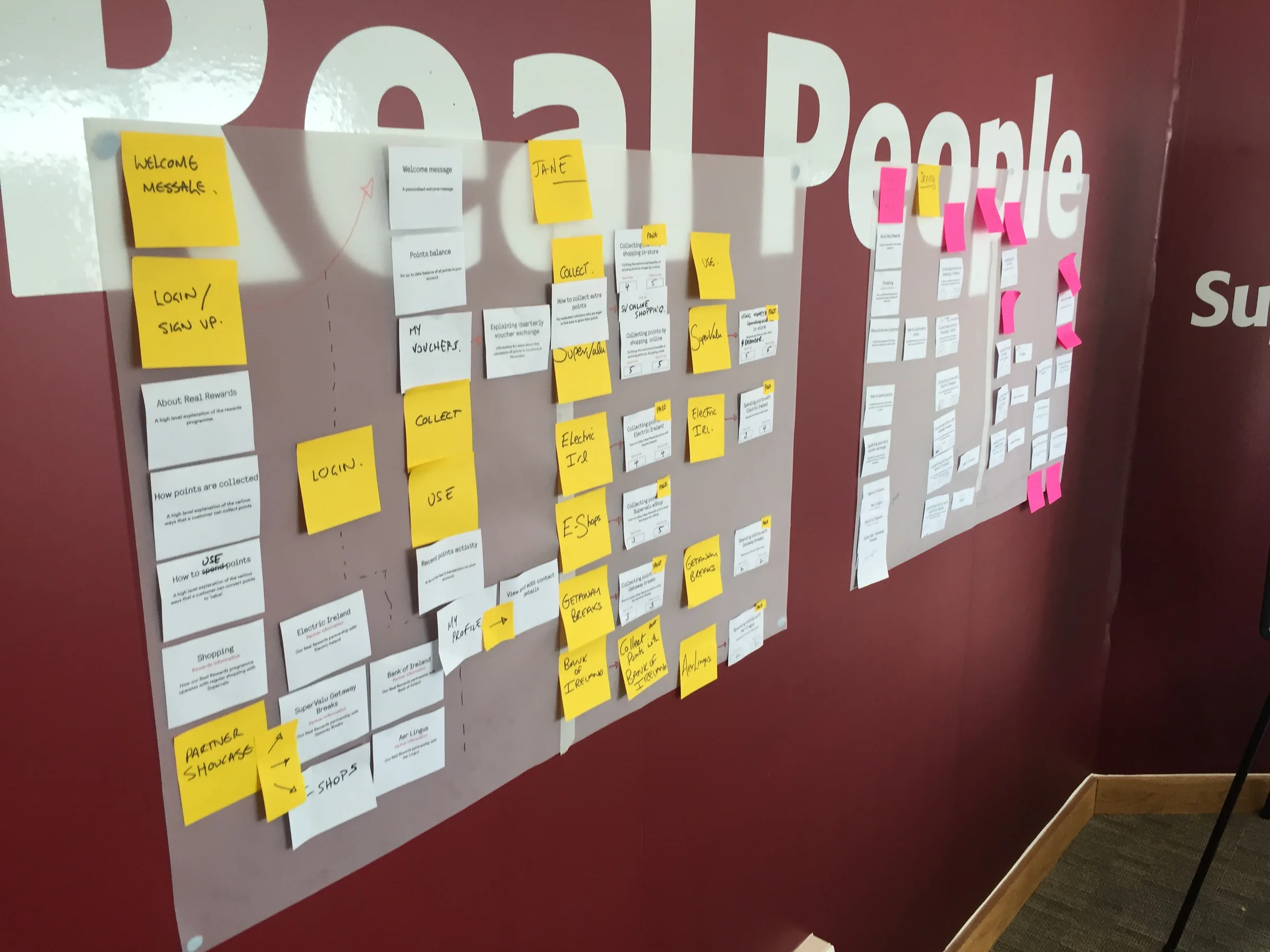
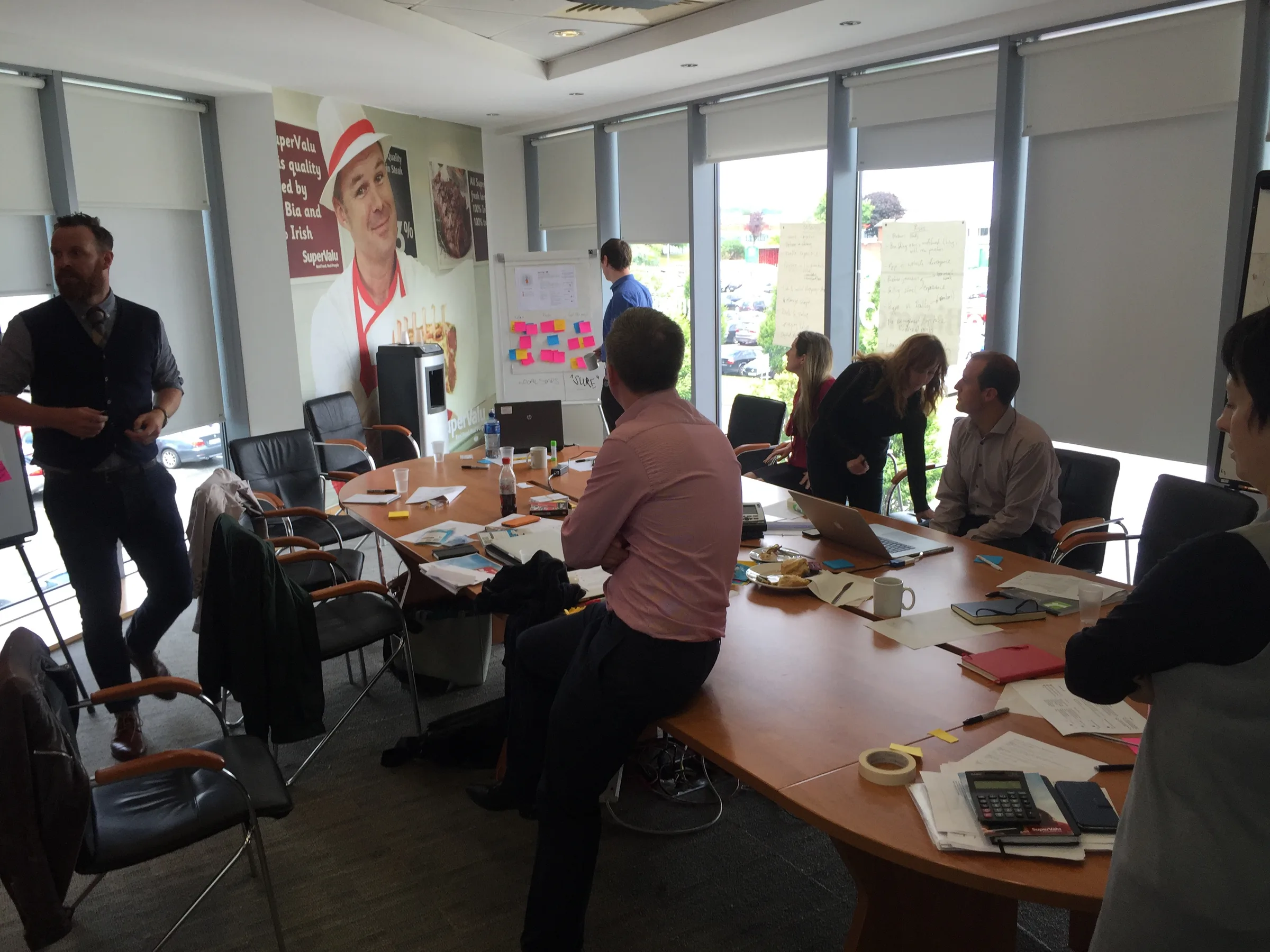
A customer journey map of white cards and yellow and pink sticky notes on a translucent sheet over a Real Food, Real People wallSuperValu team members around a boardroom table during a workshop, with sticky notes on the wall behind them

In store

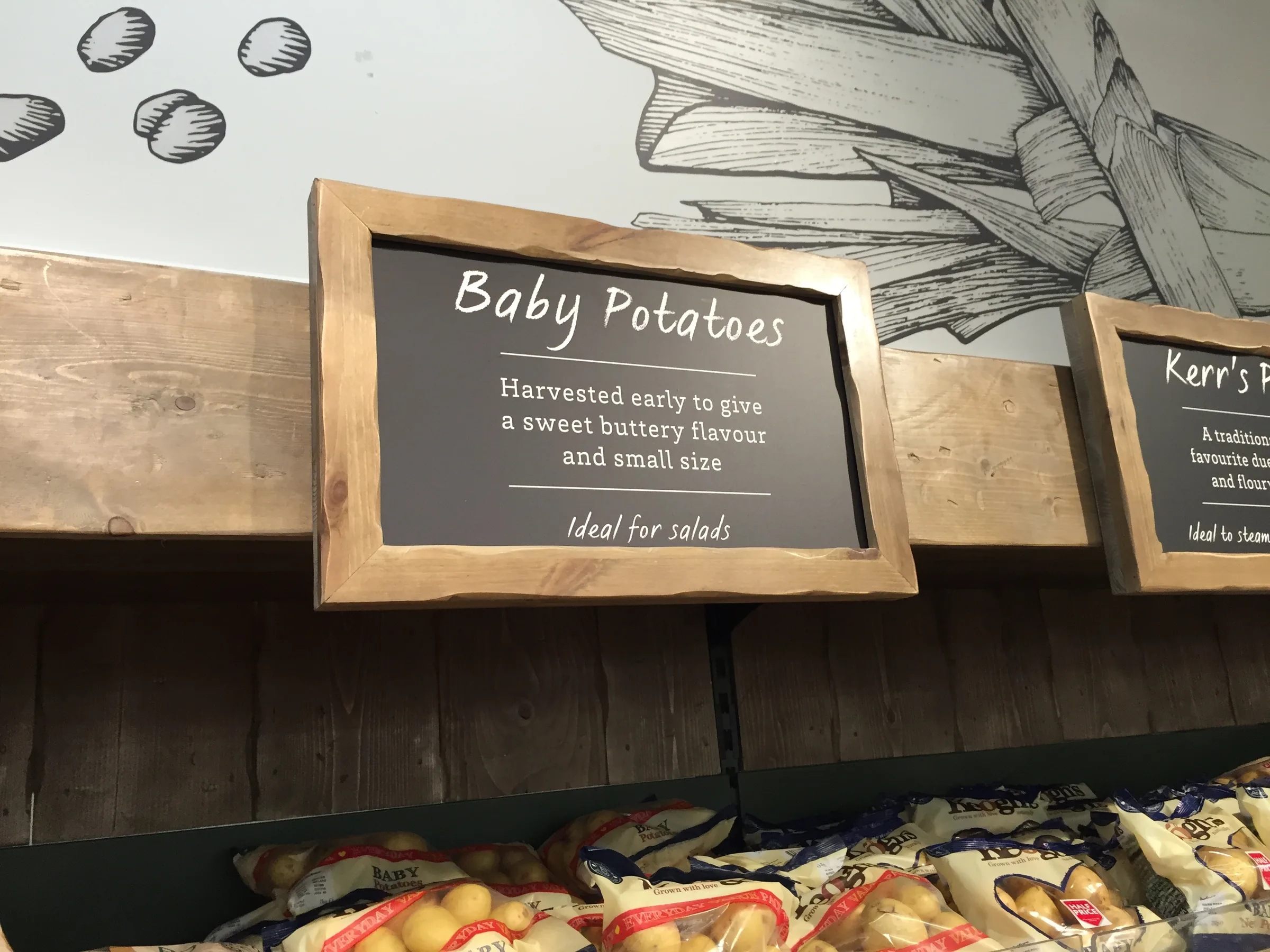
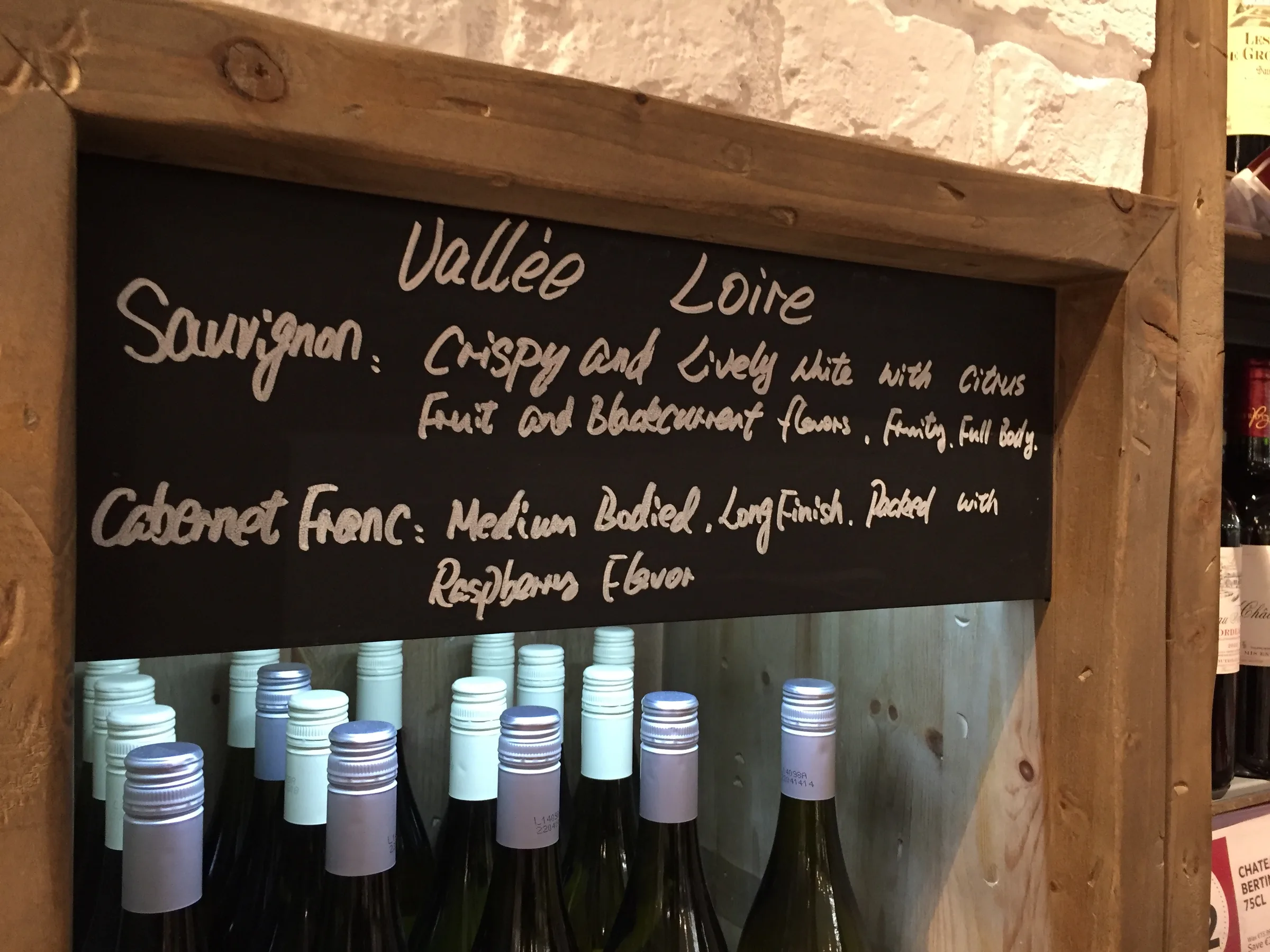
Store visits showed what the website was missing. Handwritten chalkboards, staff recommendations, and produce piled on market carts give each store a warmth the online shop lacked.
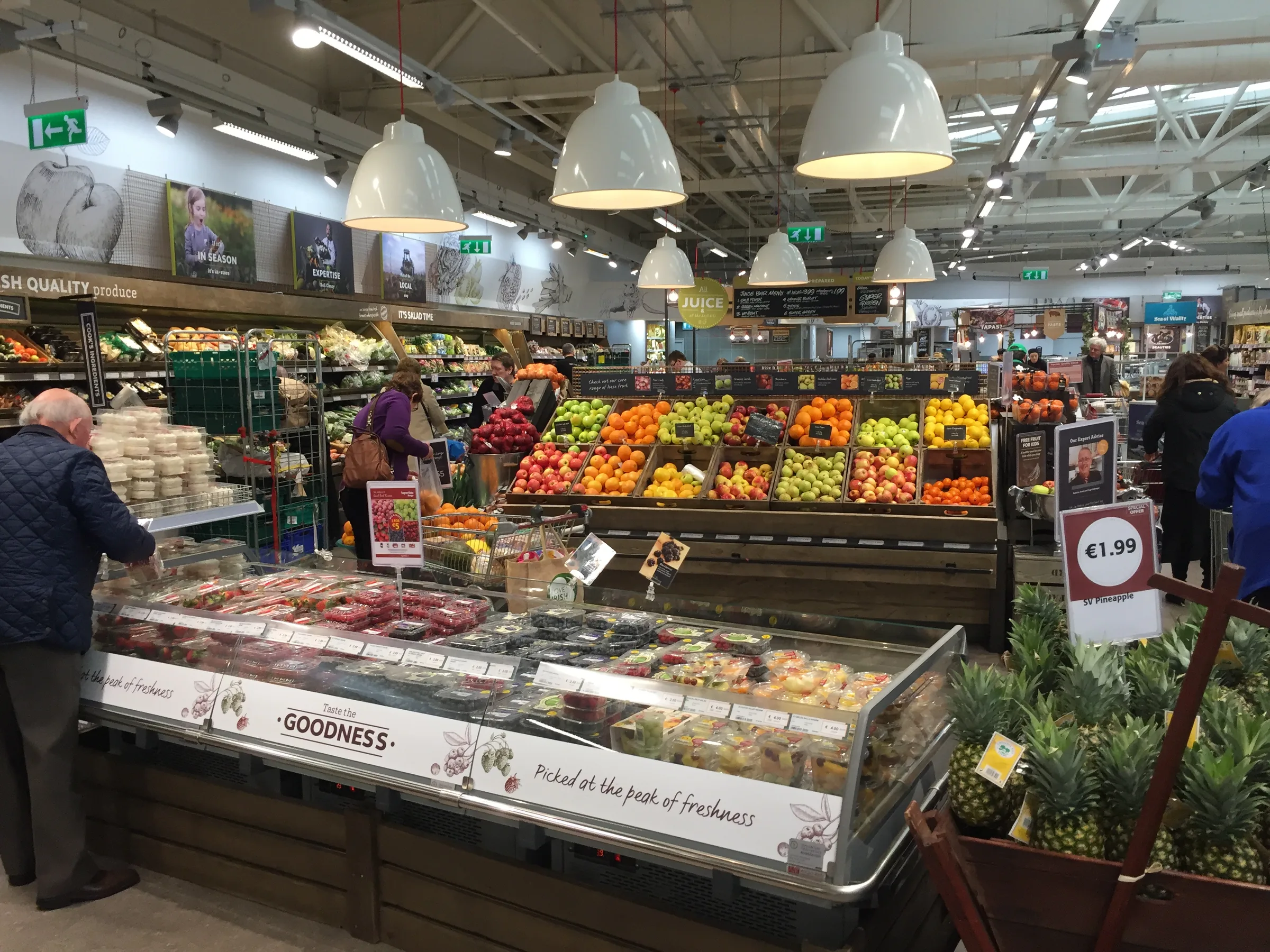
A SuperValu store with a bakery table in the foreground and a fresh produce area stretching behind it
A chalkboard above a wine shelf with handwritten tasting notes for each grapeA small framed sign for baby potatoes above a produce display

How orders are picked

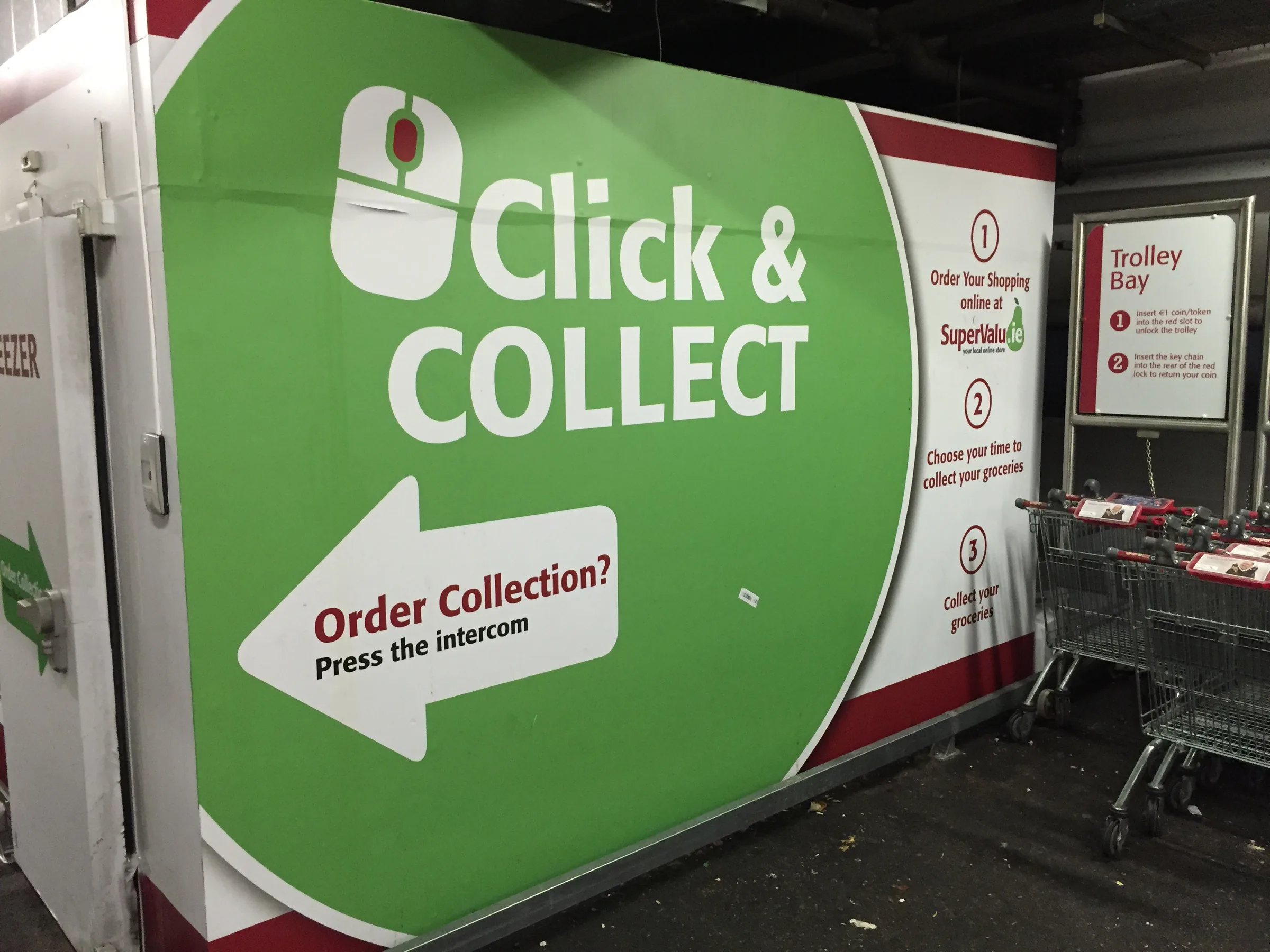
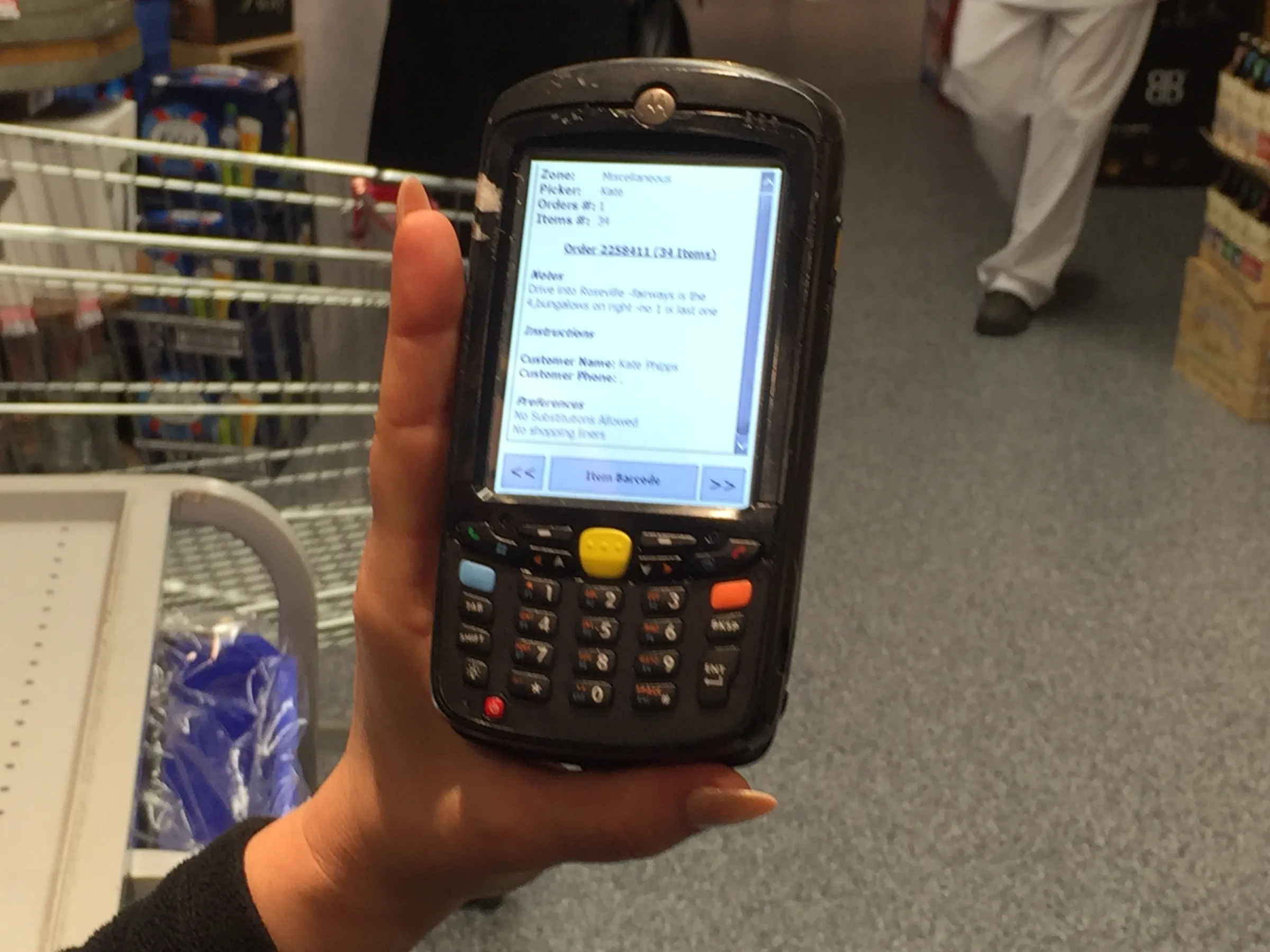
Online orders are picked in store by staff with handheld scanners and multi-basket trolleys, then delivered or left at a click-and-collect point. Following that process showed where the website could help, from how substitutions are offered to how delivery slots are planned.
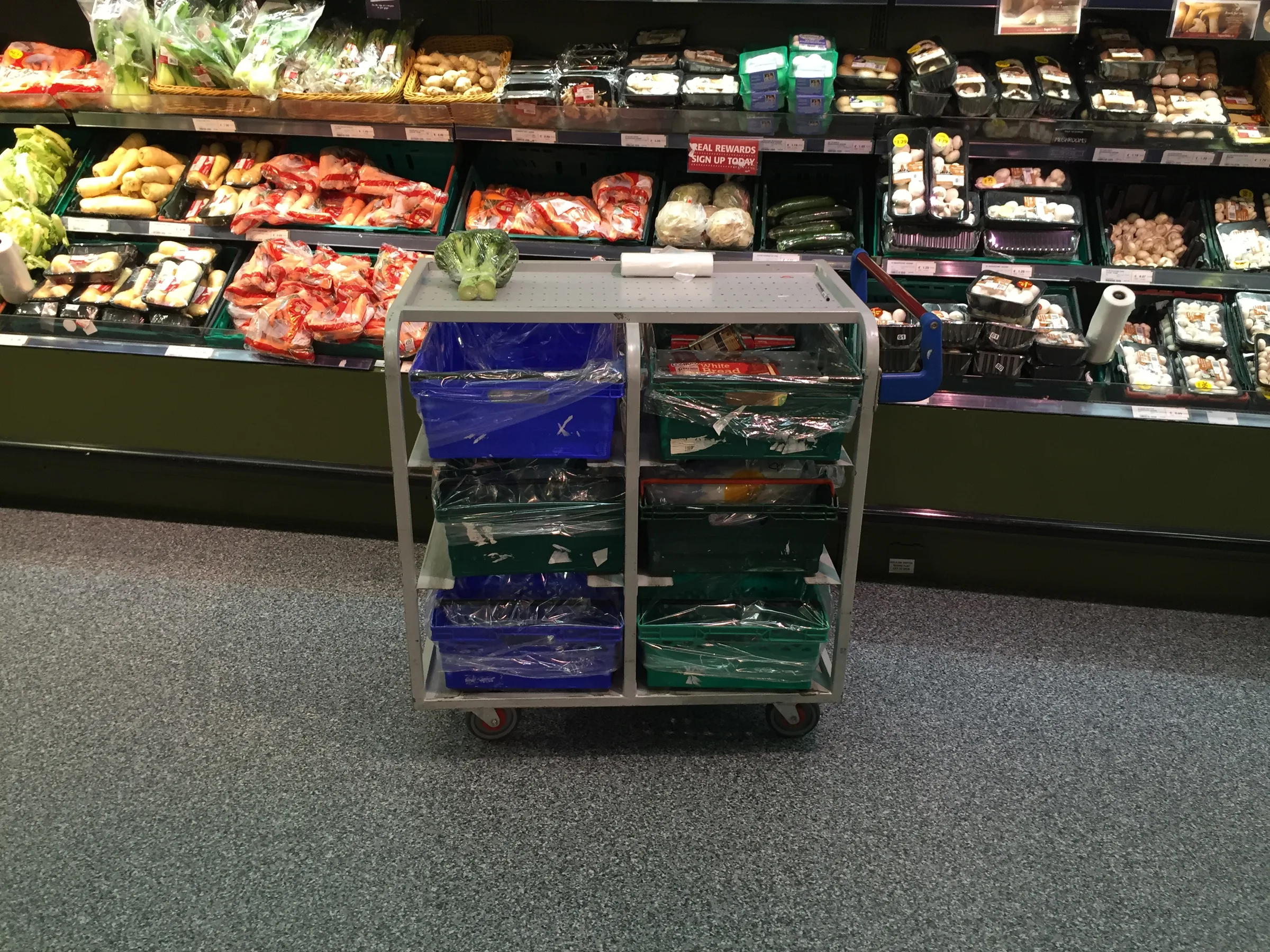
A picking trolley with green and blue crates in a supermarket aisle
A hand holding a handheld scanner showing an order picking listA green SuperValu click-and-collect station with an arrow pointing to order collection

Sketching the product panel

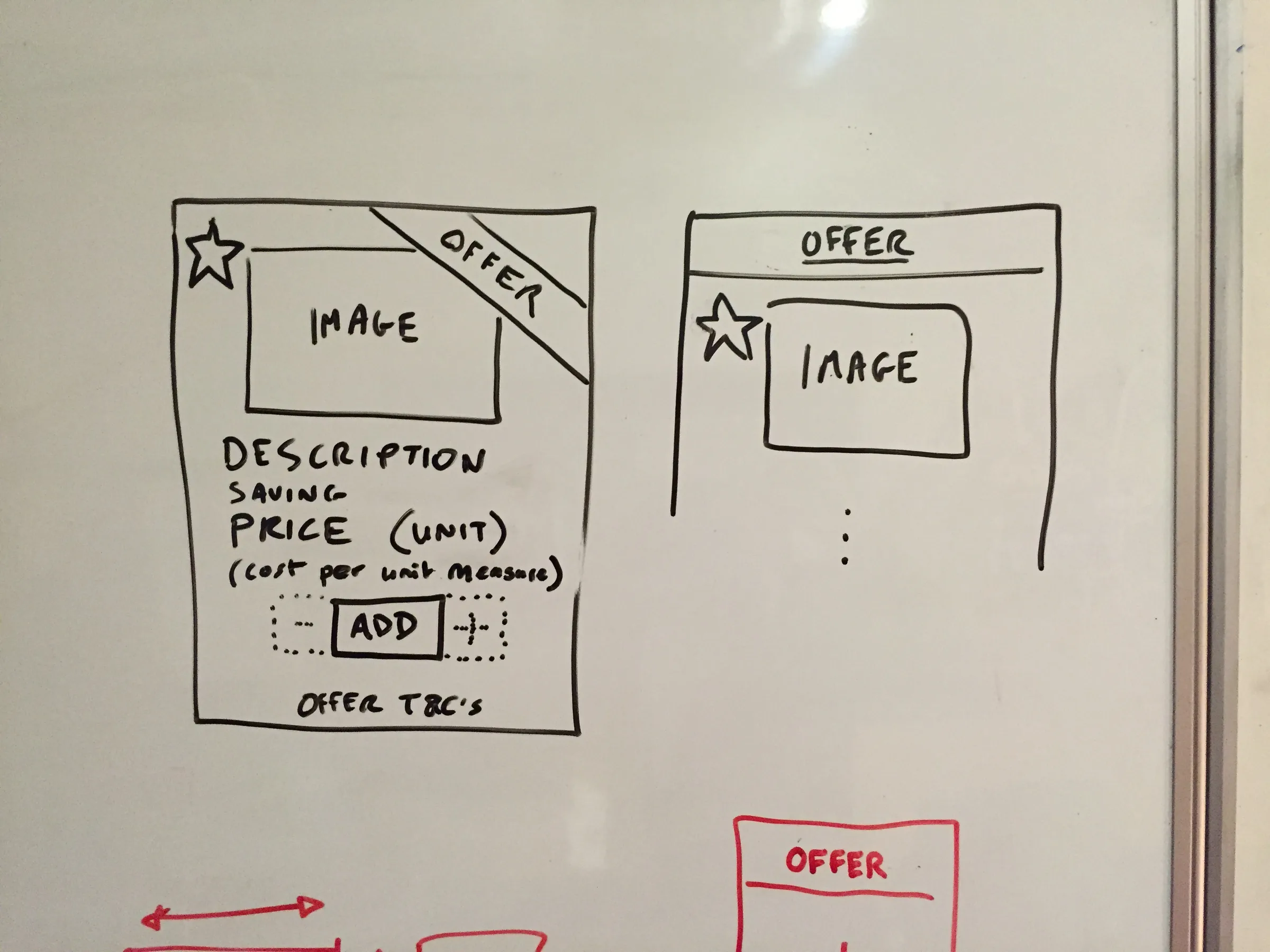
Whiteboard sketches worked out how a product is added to the basket: a single Add button that becomes a quantity control, with a weight option for loose produce.
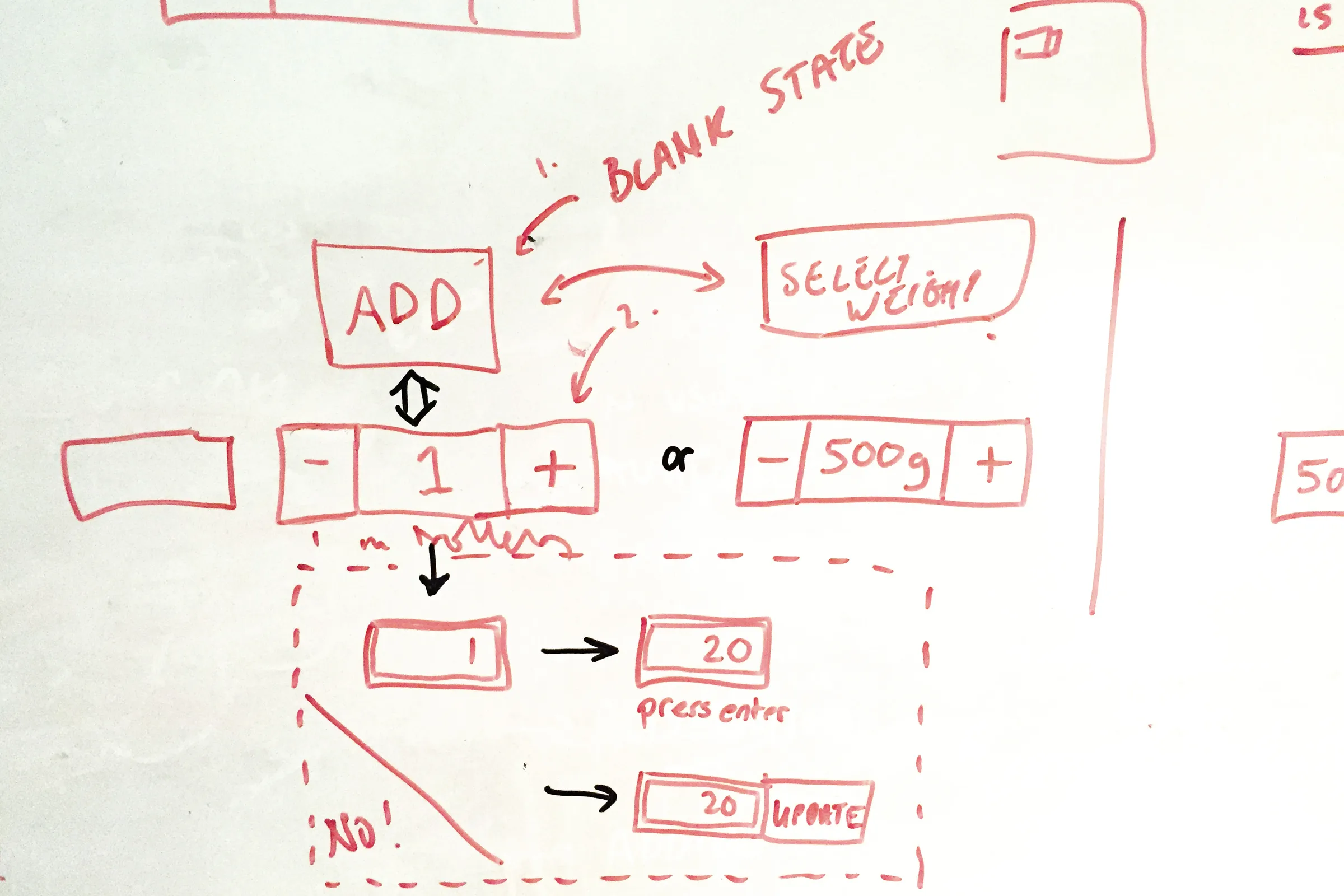
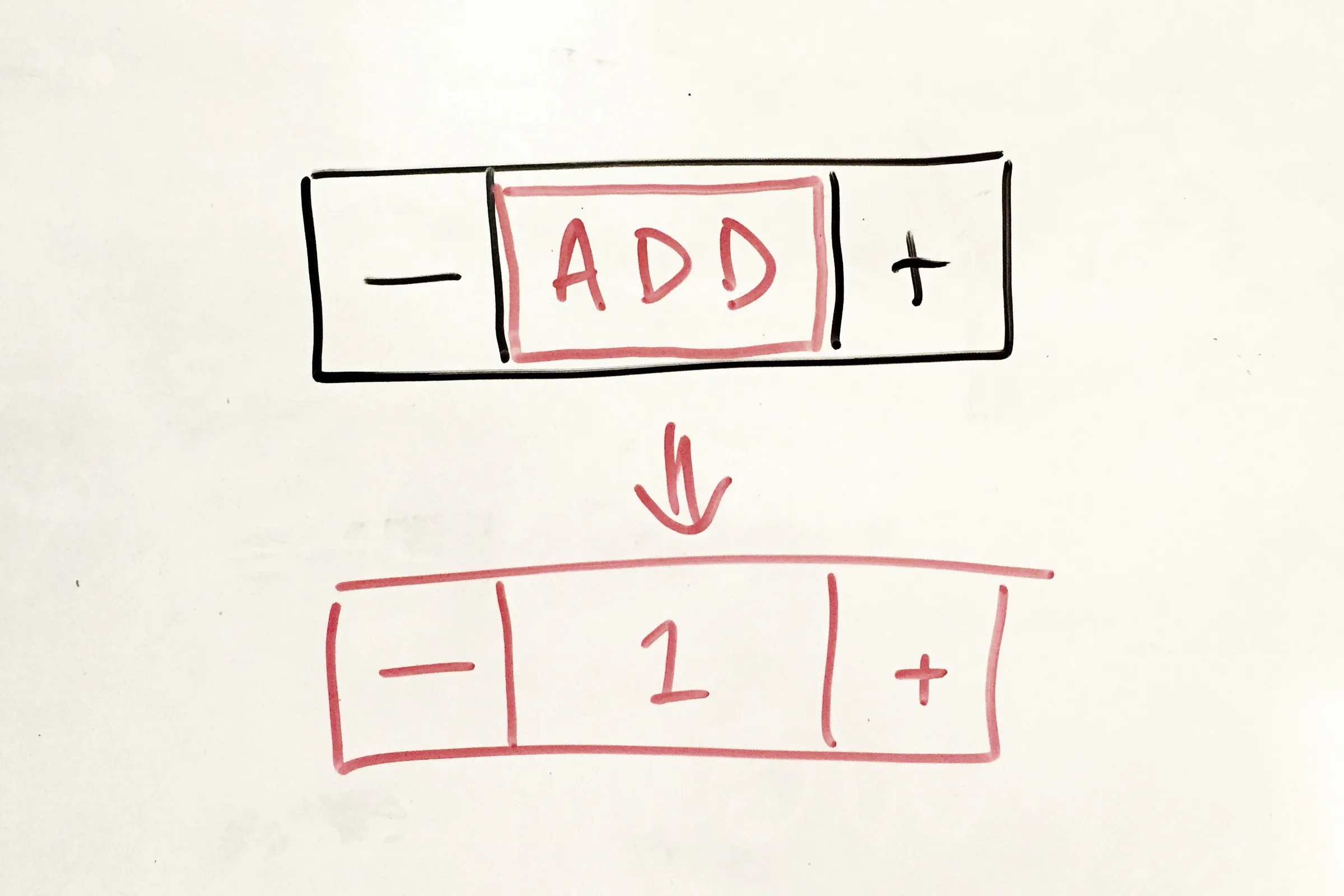
Red whiteboard sketch of add-to-basket states, from a blank Add button to a quantity stepper and a weight selector
Whiteboard sketch of an Add button turning into a minus, 1, plus quantity controlWhiteboard sketch of a product card with an offer corner, image, description, price per unit, and add control

Browsing the aisles

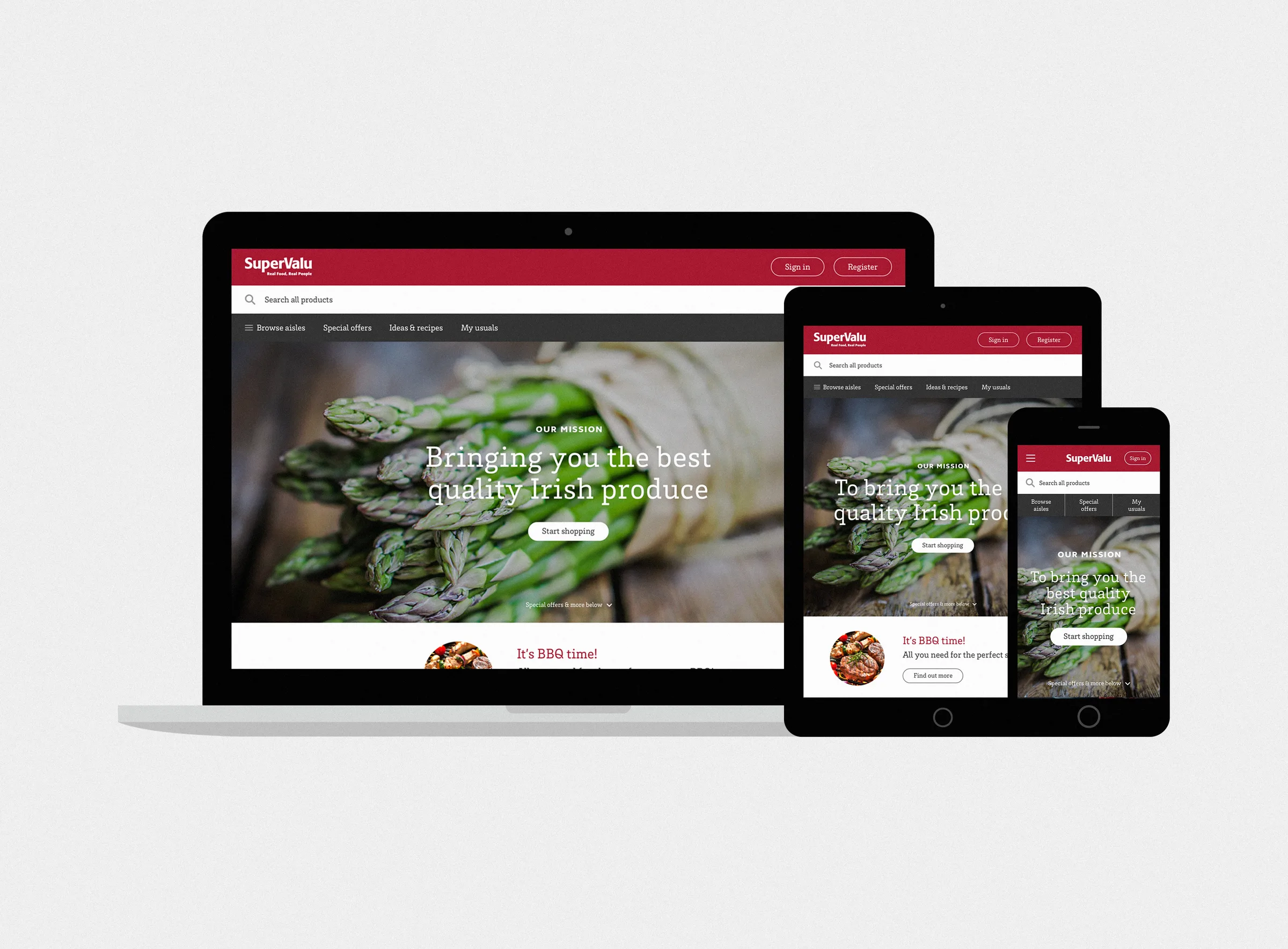
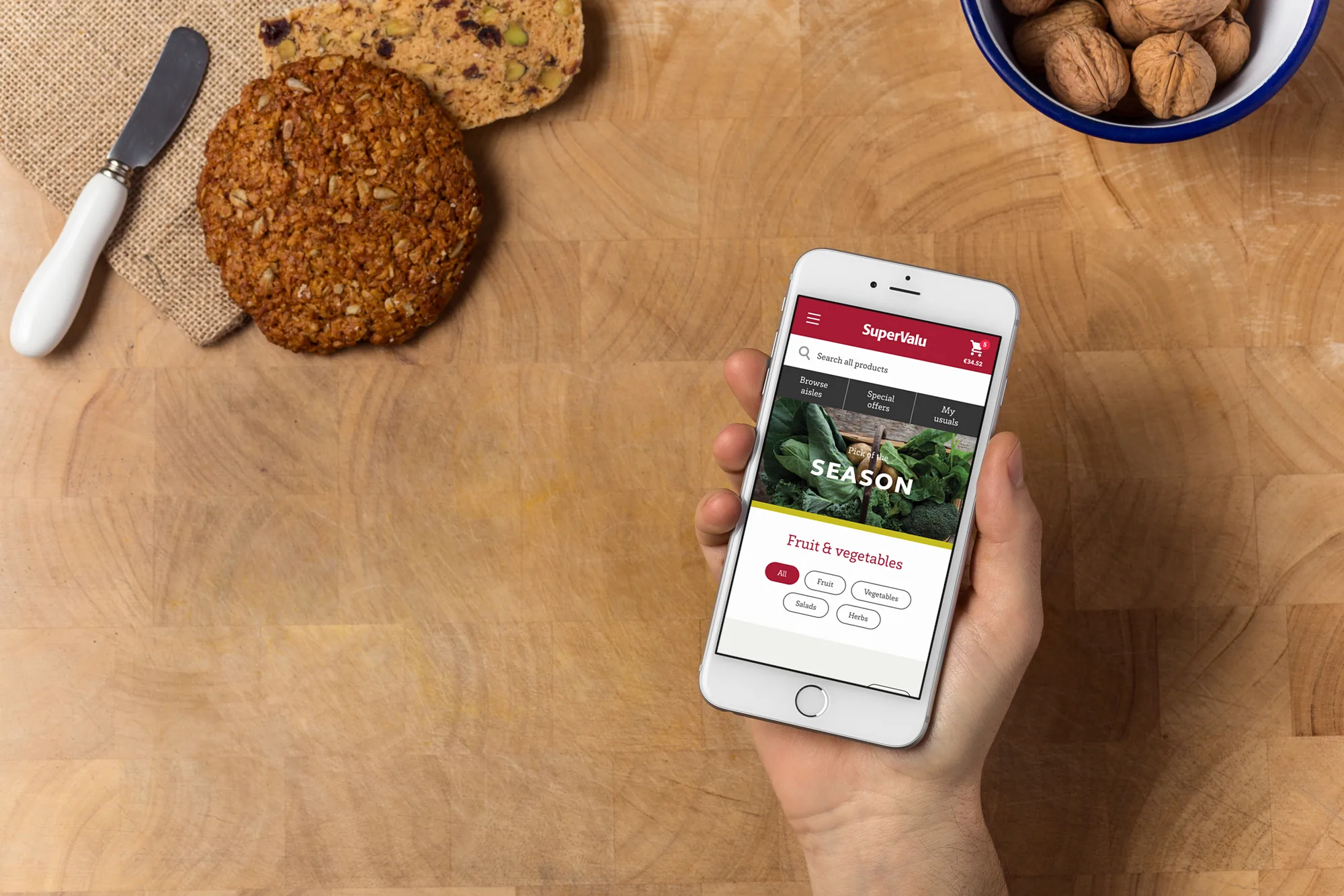
Aisle pages open with large seasonal photography, then offer quick filters, the customer’s usual items, and special offers. The layout adapts from desktop to a phone.
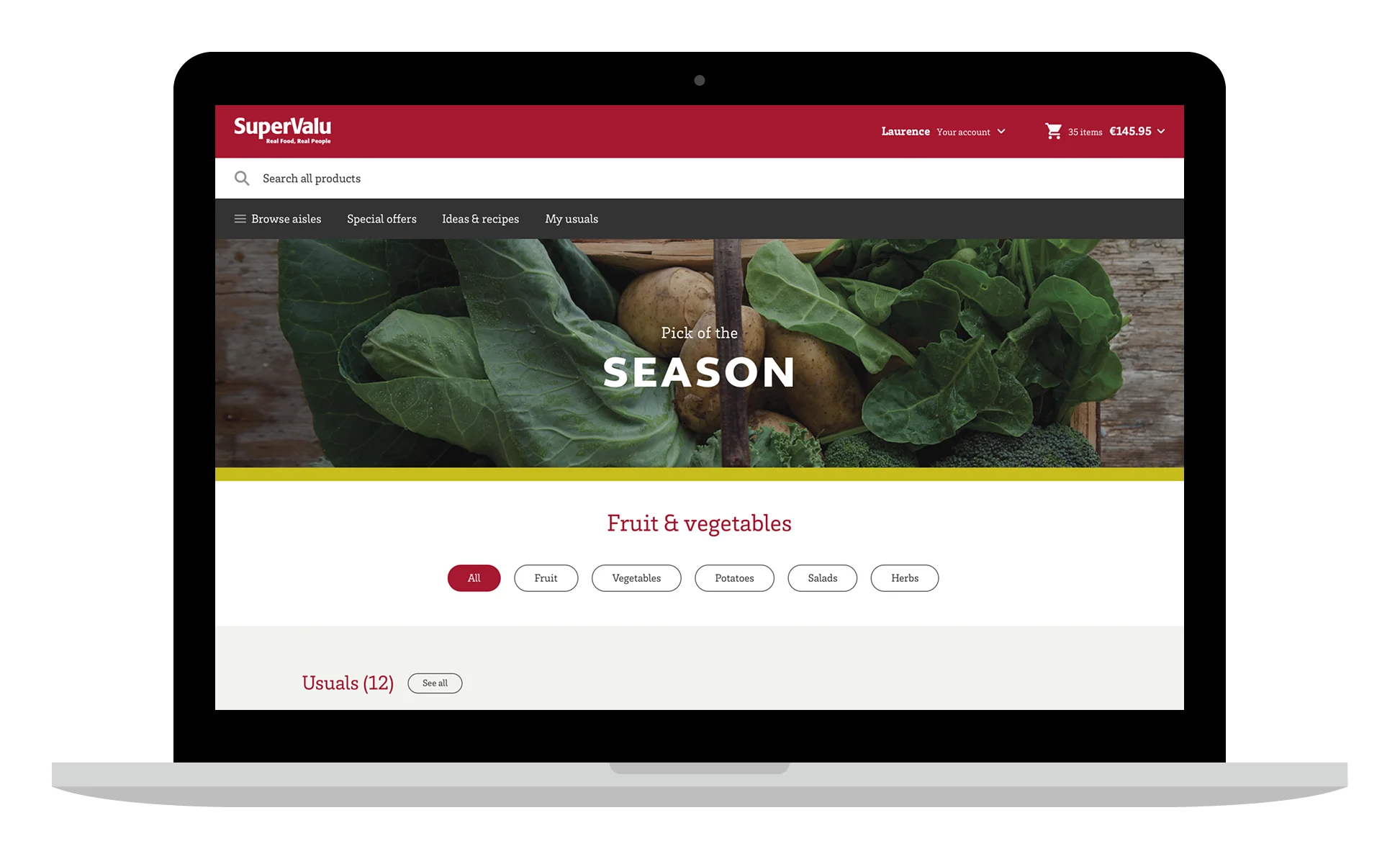
Laptop showing a Fruit & vegetables page with a Pick of the Season banner and filter buttons
A hand holding a phone showing the Fruit & vegetables page above a wooden table

Booking a delivery slot

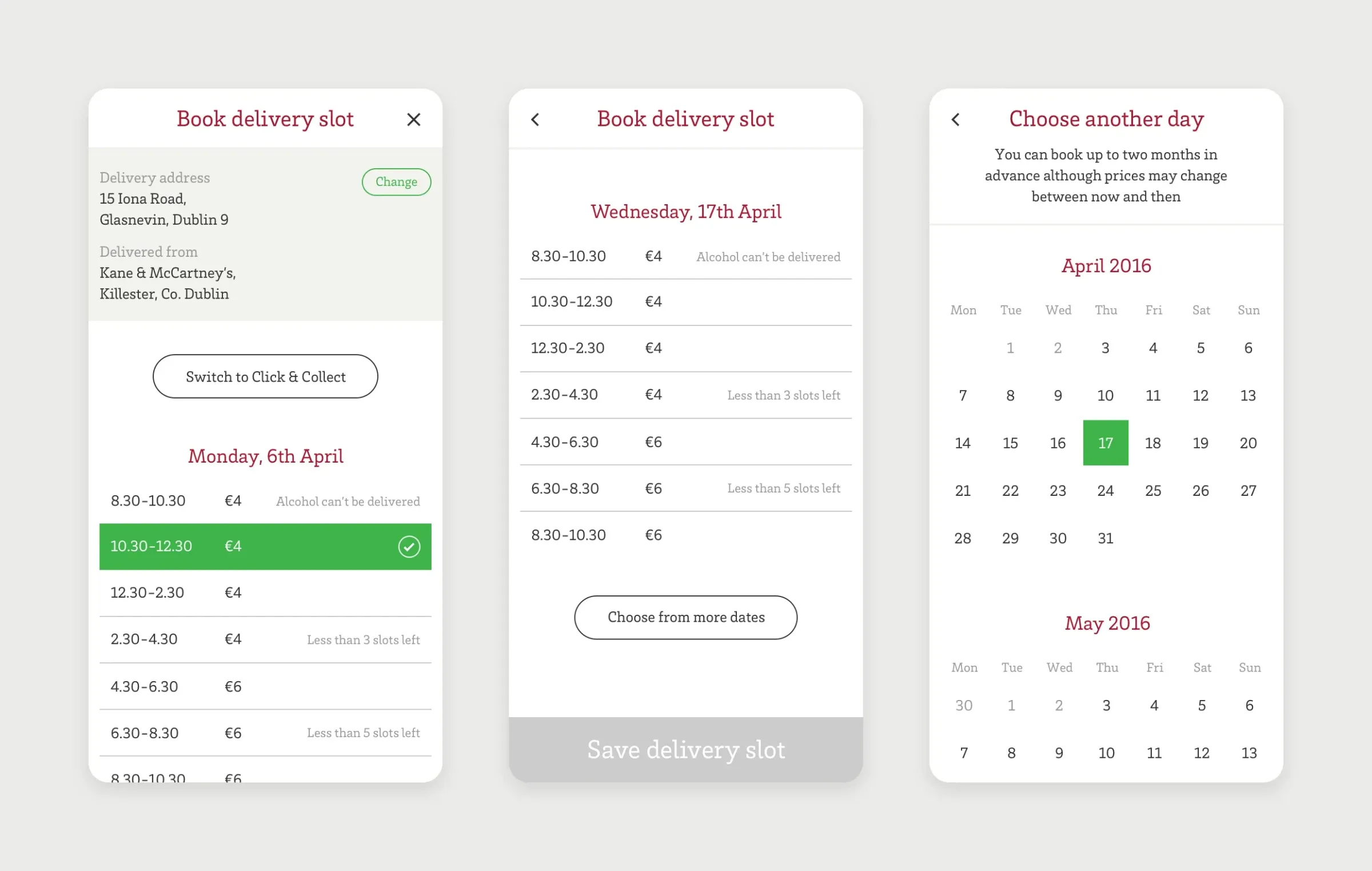
The delivery slot picker shows the delivery address and the store the order comes from, with prices and availability for each two-hour slot. Slots running low are flagged, and customers can switch to click and collect or choose another day. On mobile, the same flow becomes a single column of slots, with a calendar for booking up to two months ahead.
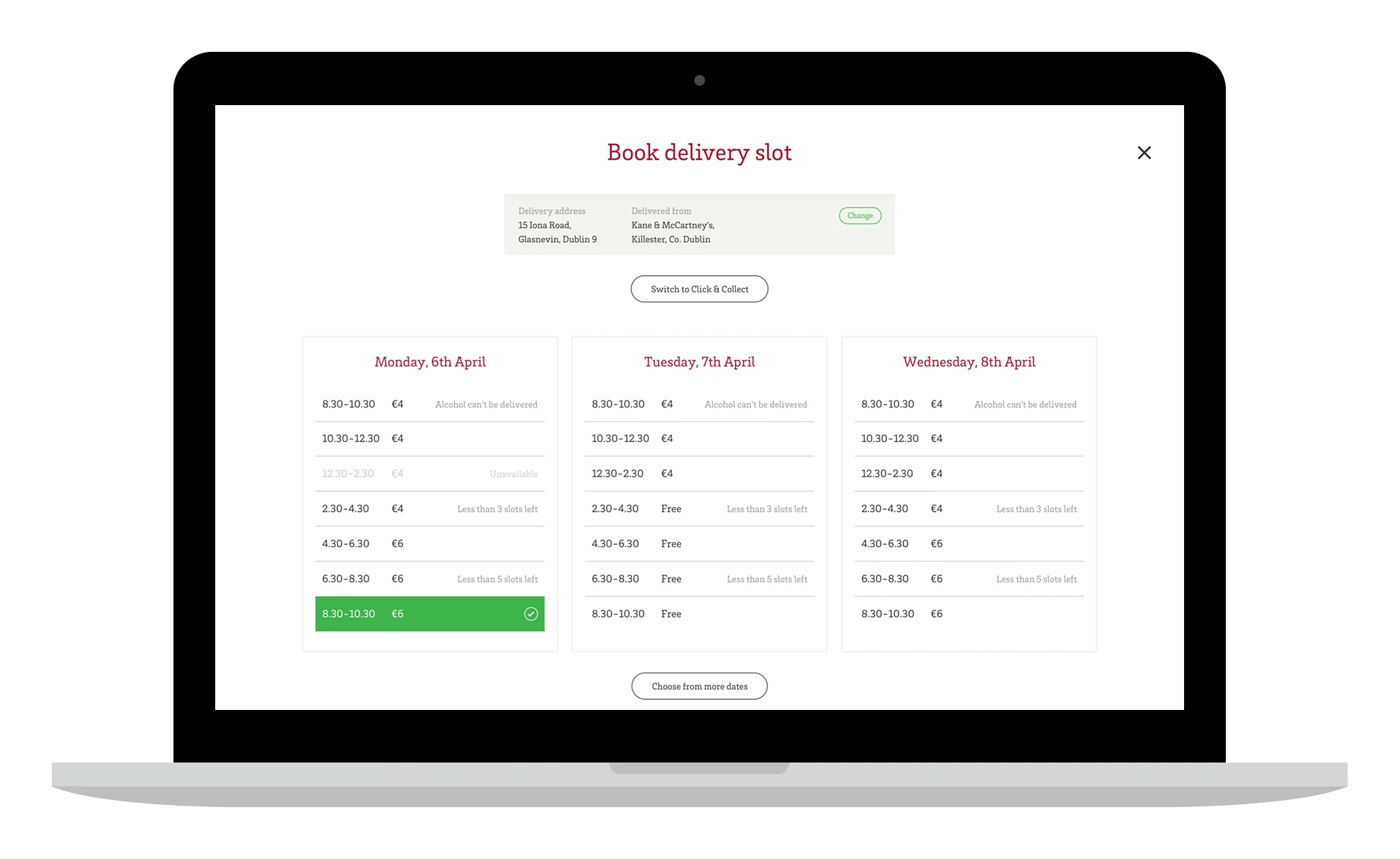
Laptop showing a Book delivery slot overlay with three days of time slots, prices, and a selected slot in green
Three mobile screens: booking a slot with the delivery address and a selected time, a list of slots for Wednesday 17th April, and a calendar for choosing another day

Keeping customers informed

Concepts explored messaging customers during fulfilment: the picker asking whether a substitute is acceptable when an item is out of stock, and the driver letting them know they are on the way.
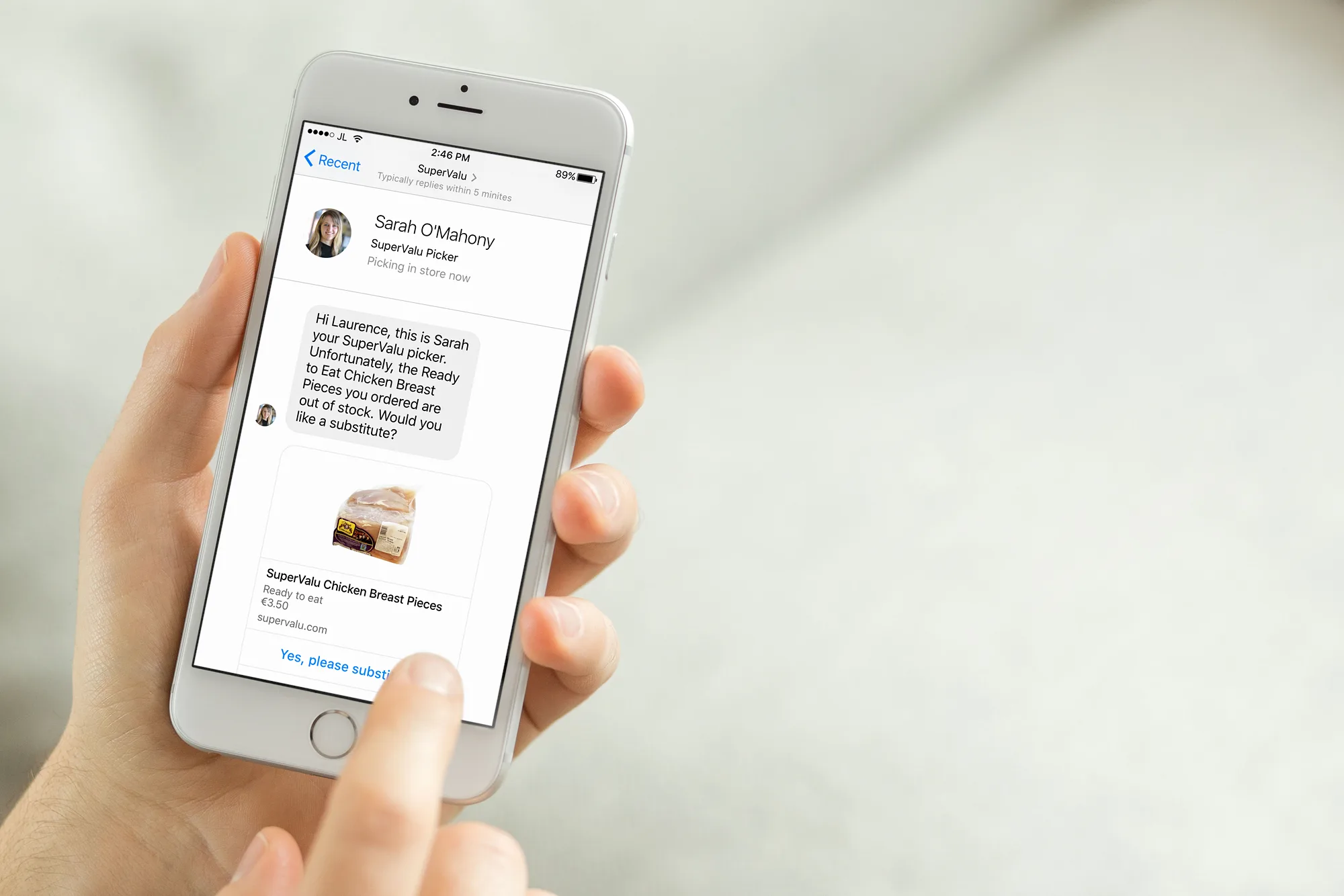
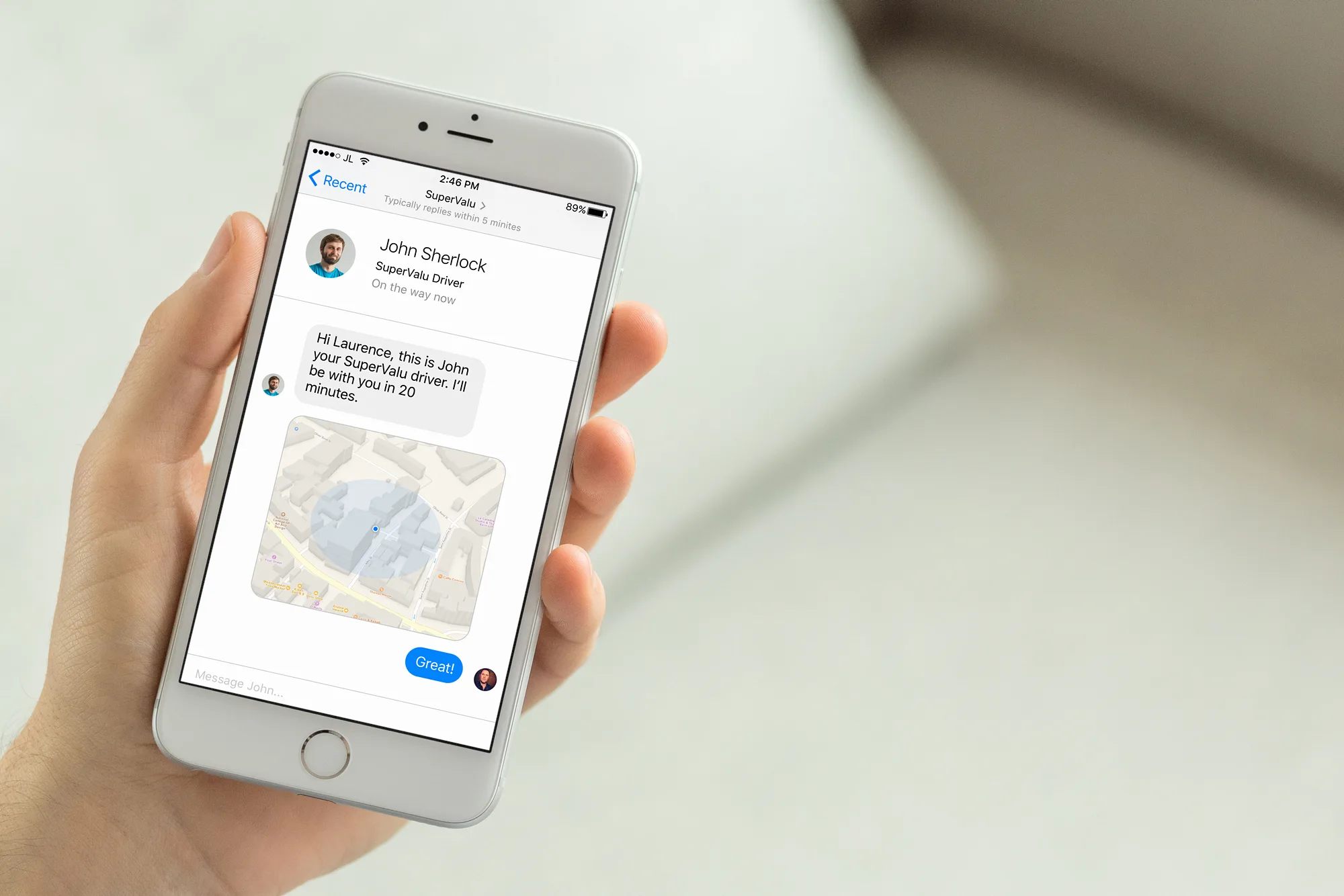
A hand holding a phone showing a message from a SuperValu picker offering a substitute productA hand holding a phone showing a message from a SuperValu driver with a map of their location

Recipes

A recipe hub brings in the ideas the stores share on their chalkboards. Recipes can be narrowed with filter tags, and each one sets its ingredients beside step-by-step photos.
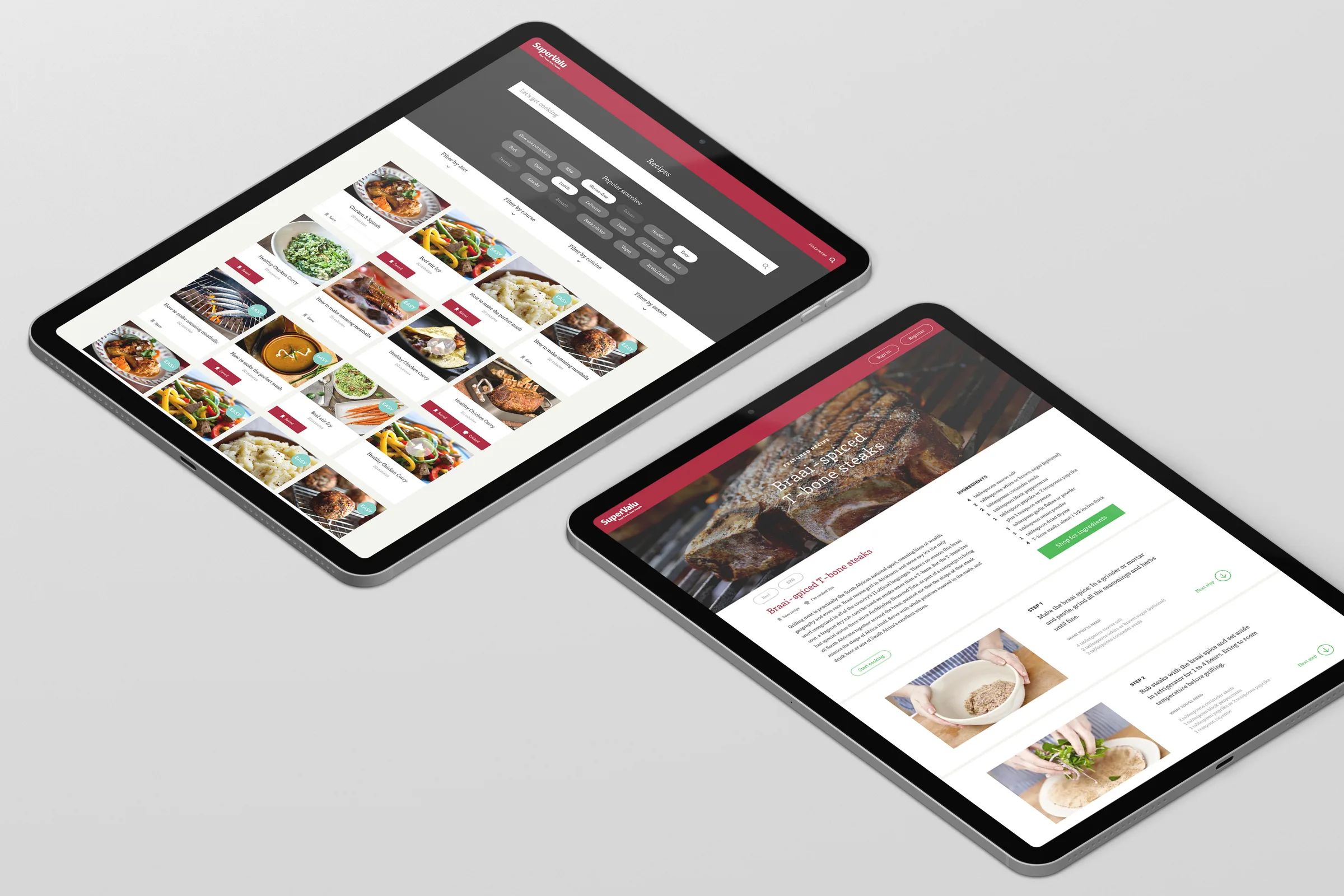
Two tablets showing a recipe hub with filter tags and a grid of dishes, and a recipe page for spiced T-bone steaks with steps and ingredients
Next projectProduct Design

Interplay