Product Design / Brand Identity / Design Tools

12 / 12

Interplay

Interplay project

Overview

Interplay is a tool for designing with code. Most product teams design in drawing tools and then rebuild the result in code, and the two drift apart along the way. Designers spend time checking that the build matches, and the design system lives in two places at once.

Interplay imports a company's coded design system components and makes them available on a visual canvas, so what a designer lays out is made of the same components that ship in production. The project covered the product design of the editor and the brand identity for the company.

Where design and code drift apart

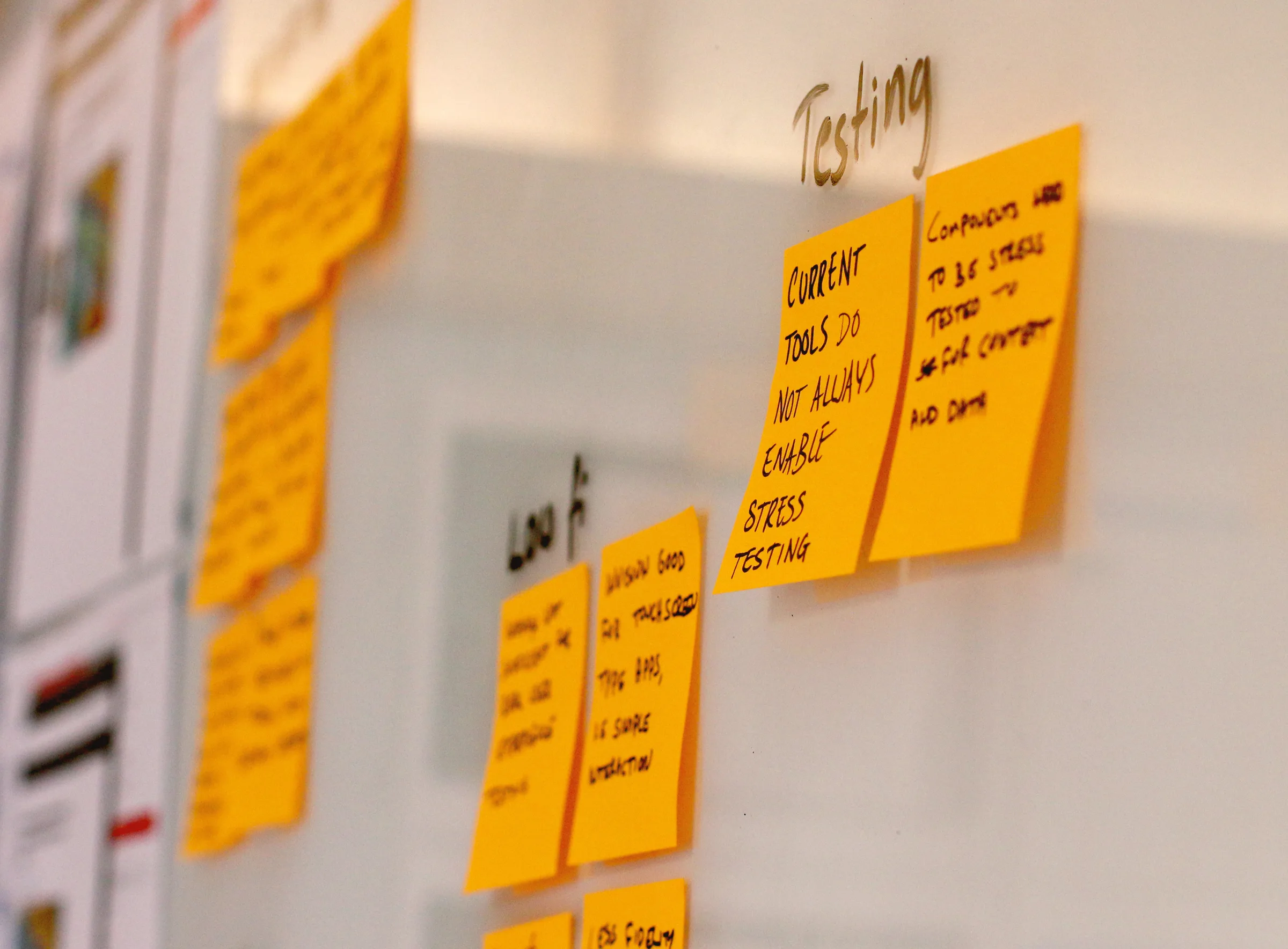
Workshops with designers and developers collected the problems they met between a design and its build, grouped under headings such as communication, authoring, and testing. Designers said they spend a lot of time with developers to make sure a design is followed, that it is hard to keep everyone on the design system, and that current tools rarely let components be stress-tested with real content and data.
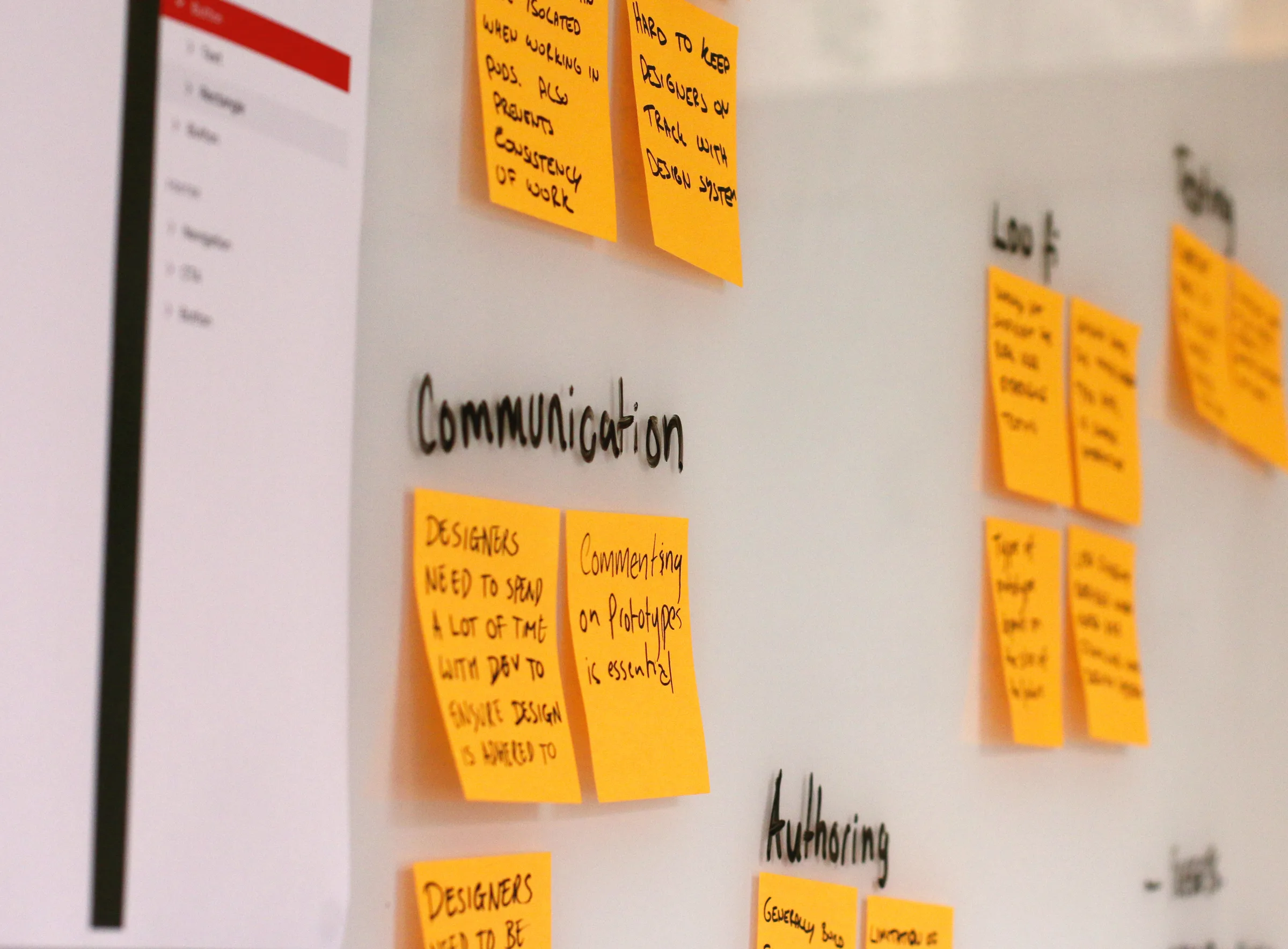
Orange sticky notes on a whiteboard under the headings Communication and Authoring, one reading Designers need to spend a lot of time with dev to ensure design is adhered to
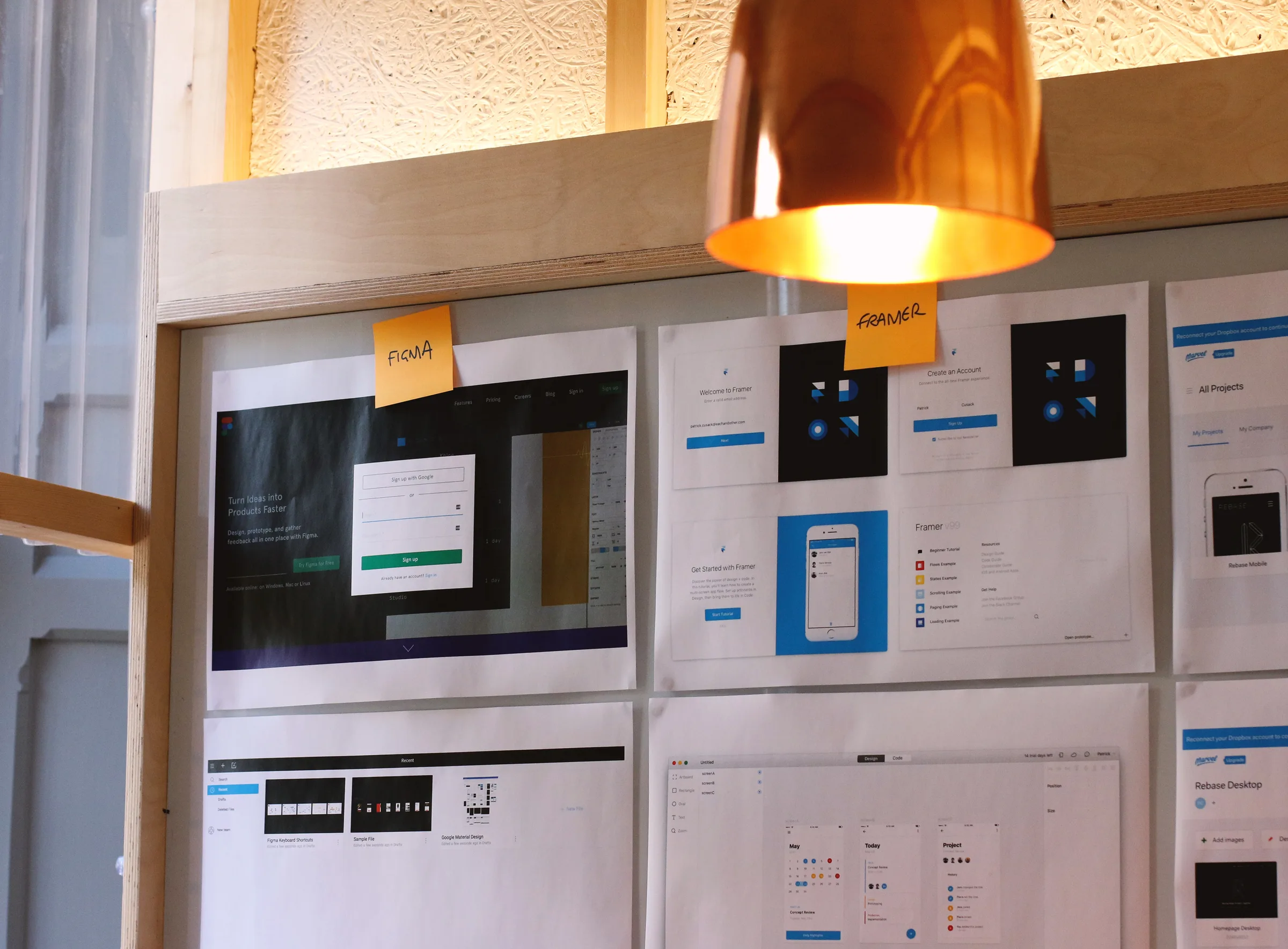
Sticky notes under a Testing heading reading Current tools do not always enable stress testing and Components need to be stress tested for content and dataPrinted screens from Figma, Framer, and other design tools pinned to a wall beneath a copper lamp, each labelled with a sticky note

Designing the tool

Printouts of existing design and prototyping tools were pinned up to compare how each handles sign-up, projects, and the canvas. Interplay’s own screens were then worked through in Sketch and reviewed around the table, from signing in to choosing a project.
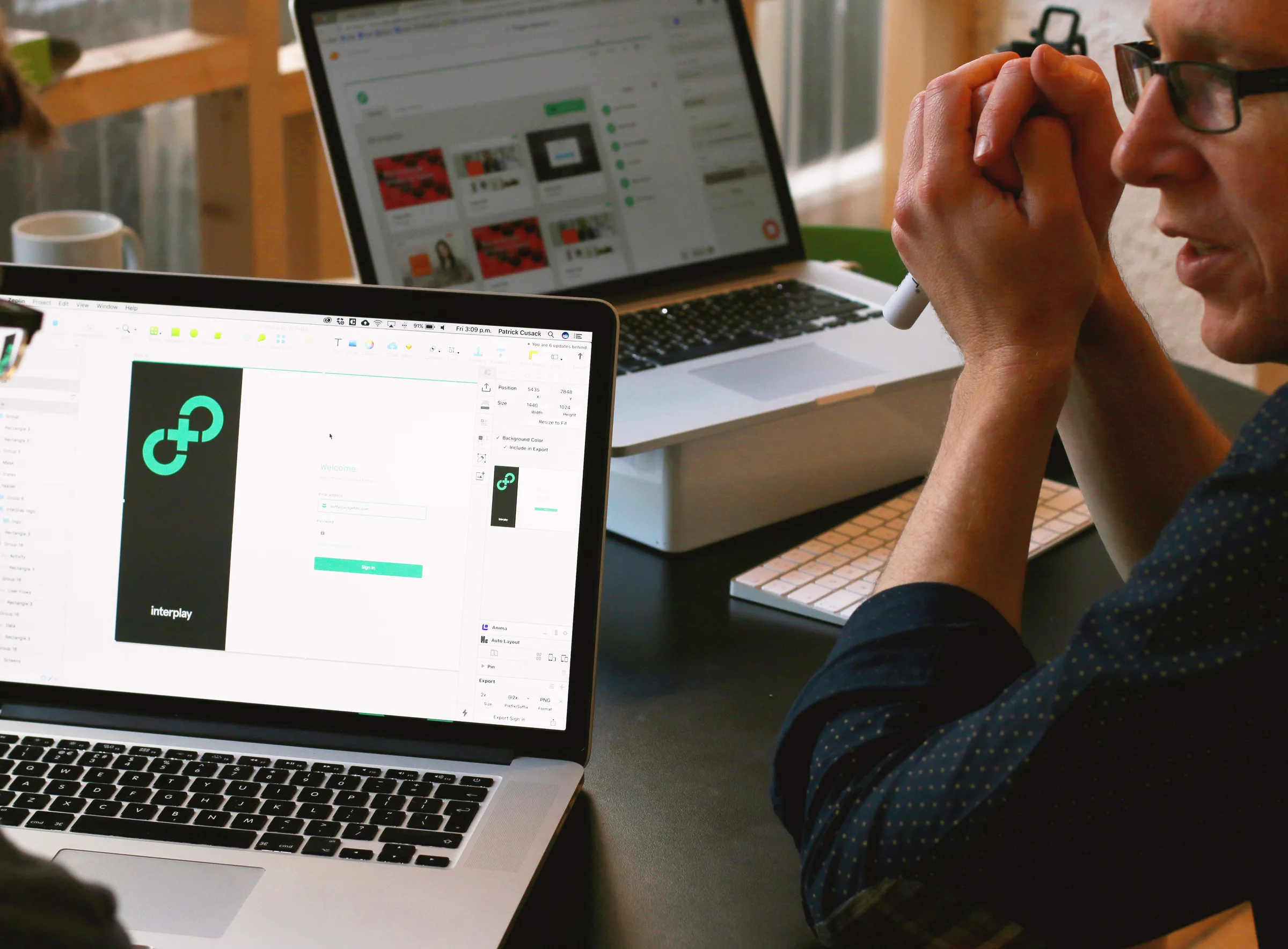
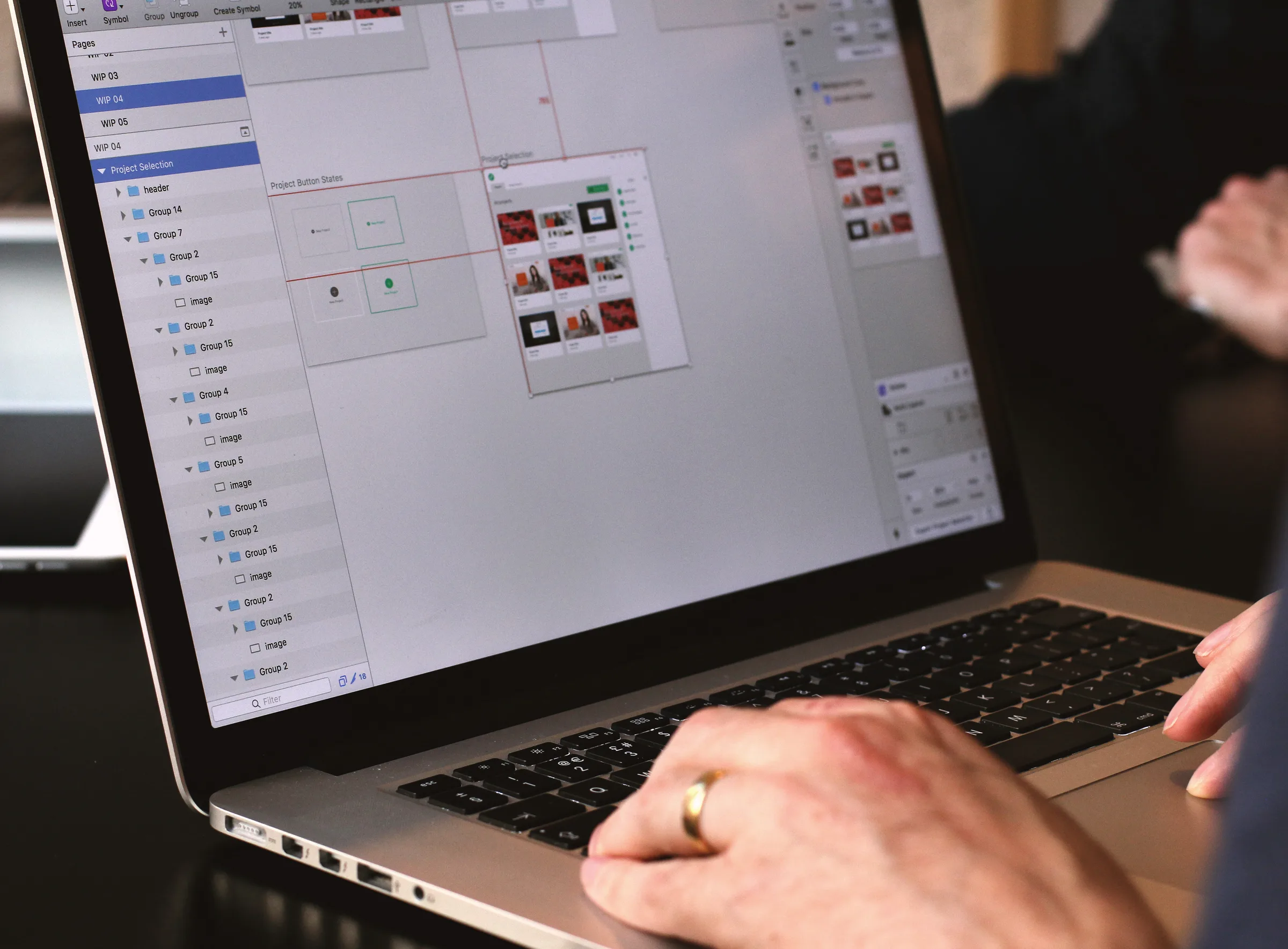
A design review with a laptop showing the Interplay sign-in screen in Sketch while a colleague looks onA laptop showing a Sketch file of the Interplay project selection screen with button states laid out beside it

A mark for two sides

The mark joins two open curves with a plus, suggesting design and code connecting into a single loop. It pairs a bright green with a near-black charcoal, and works as a symbol in a circle beside the wordmark or as a large, cropped graphic.


The Interplay logo, a green circle containing the mark beside the lowercase wordmark interplay, on charcoalA large charcoal Interplay mark cropped off the edge of a green field, with interplay.io in the corner

Carrying the brand

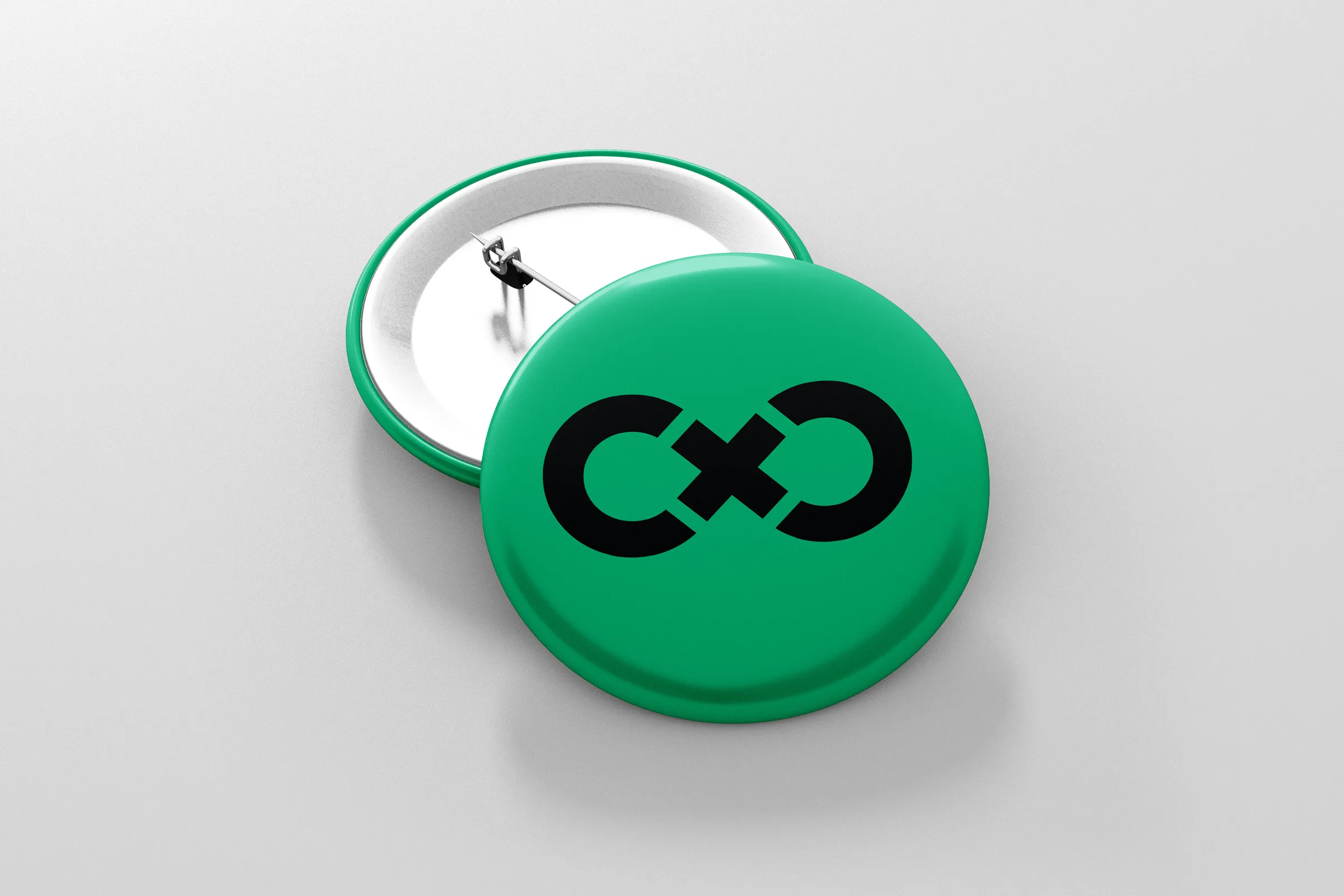
The cropped mark scales from business cards to badges and t-shirts, giving the young company a recognisable presence at meetups and events.

A stack of green Interplay business cards fanning out, each printed with a large charcoal mark and interplay.io
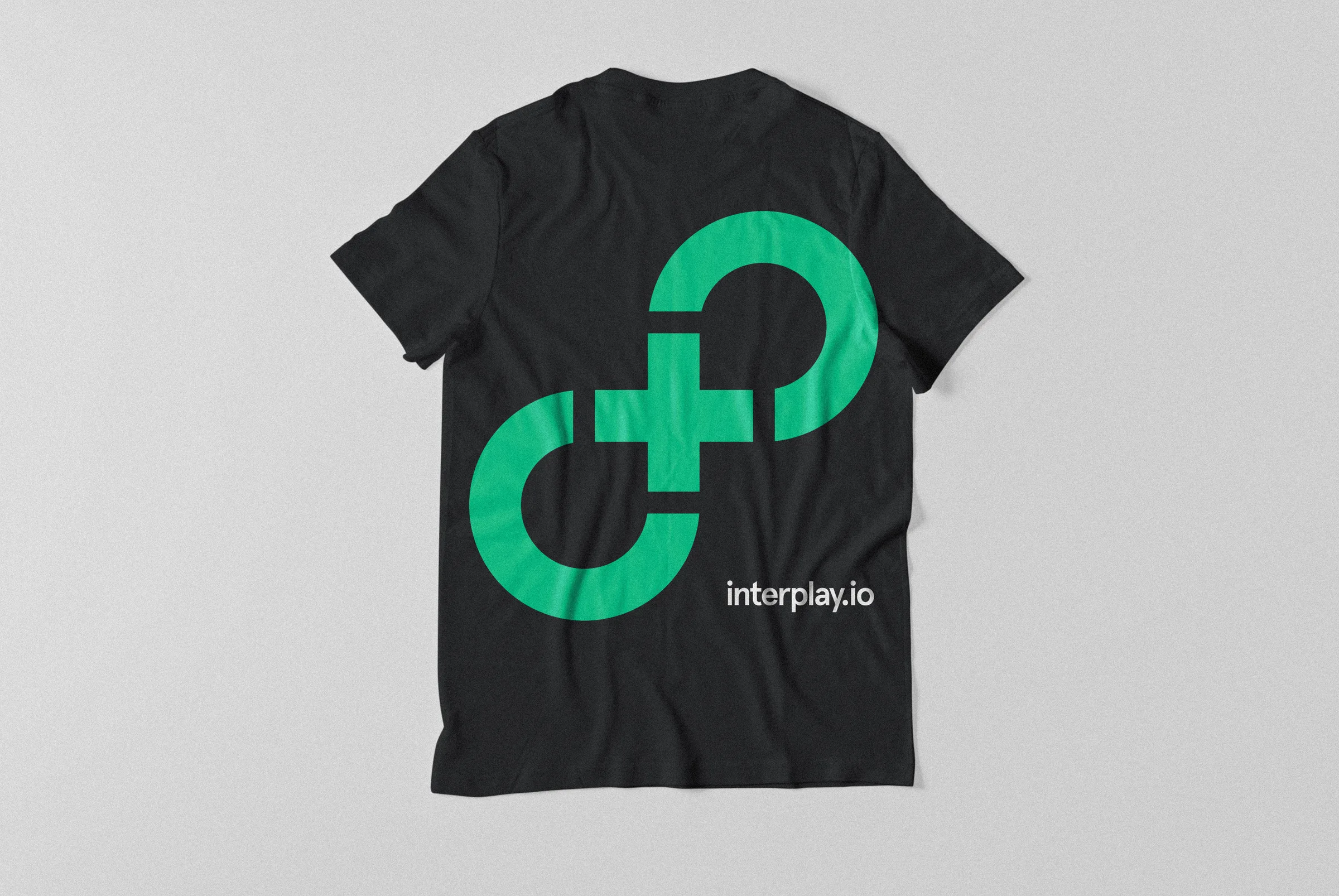
A green pin badge printed with the Interplay mark in blackThe back of a black t-shirt printed with a large green Interplay mark and interplay.io

Designing with real components

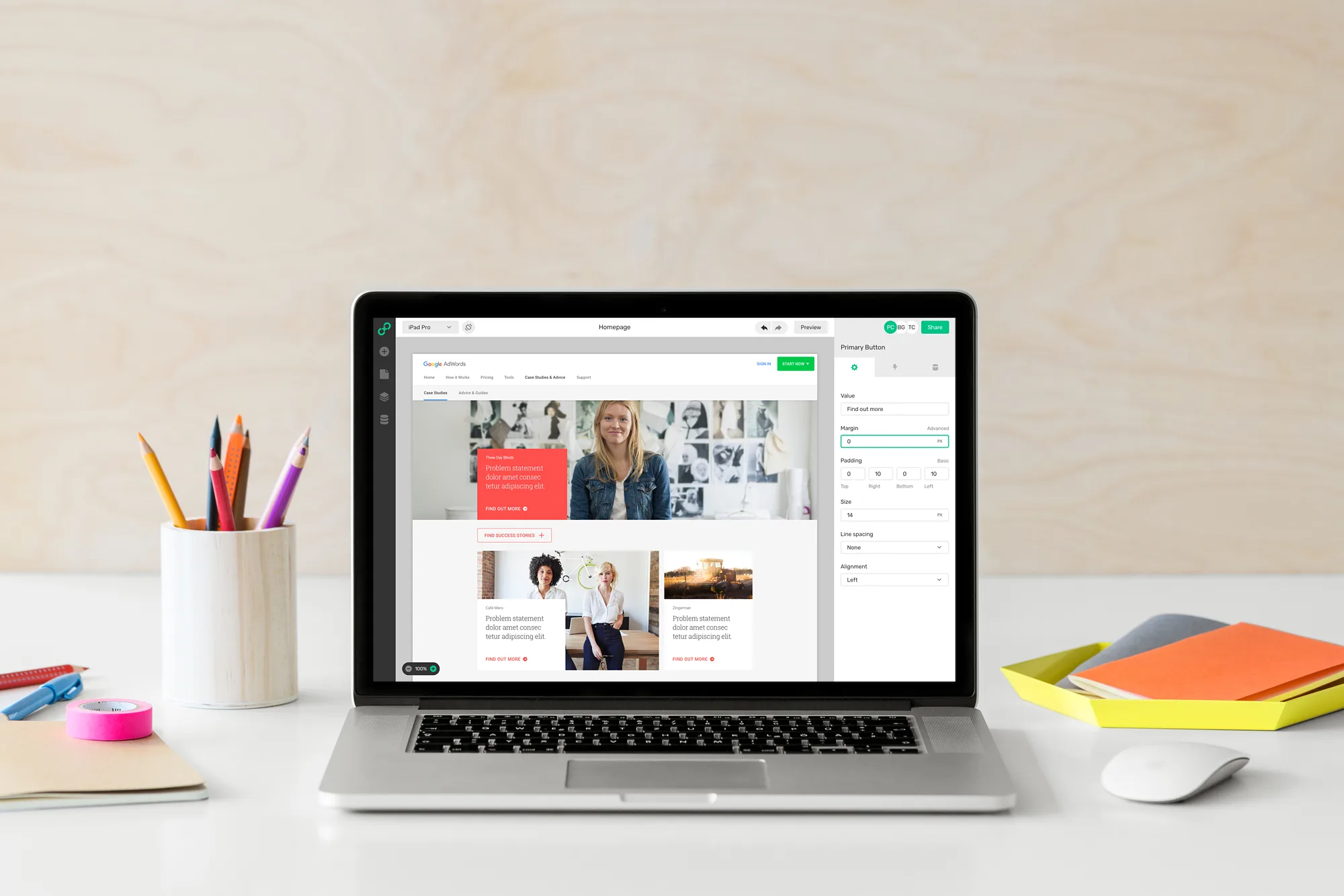
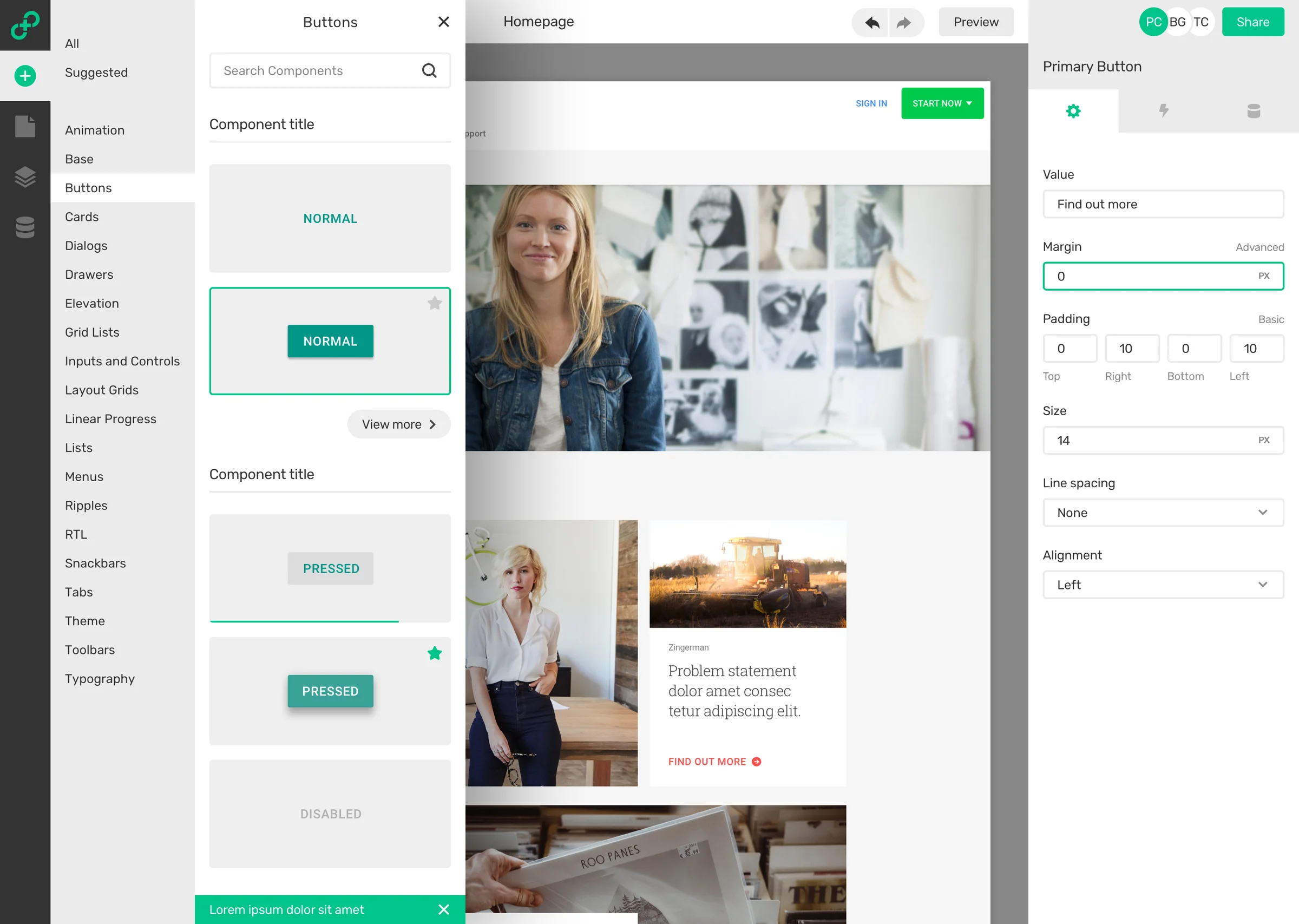
The editor keeps the familiar shape of a design tool: pages and layers on the left, a canvas in the centre, and properties on the right. The difference is that everything on the canvas is a coded component from the team’s own design system. The library is organised into the same categories the design system uses and previews each component in its real states, and selecting a component on the canvas opens properties that map directly to the options it exposes in code.
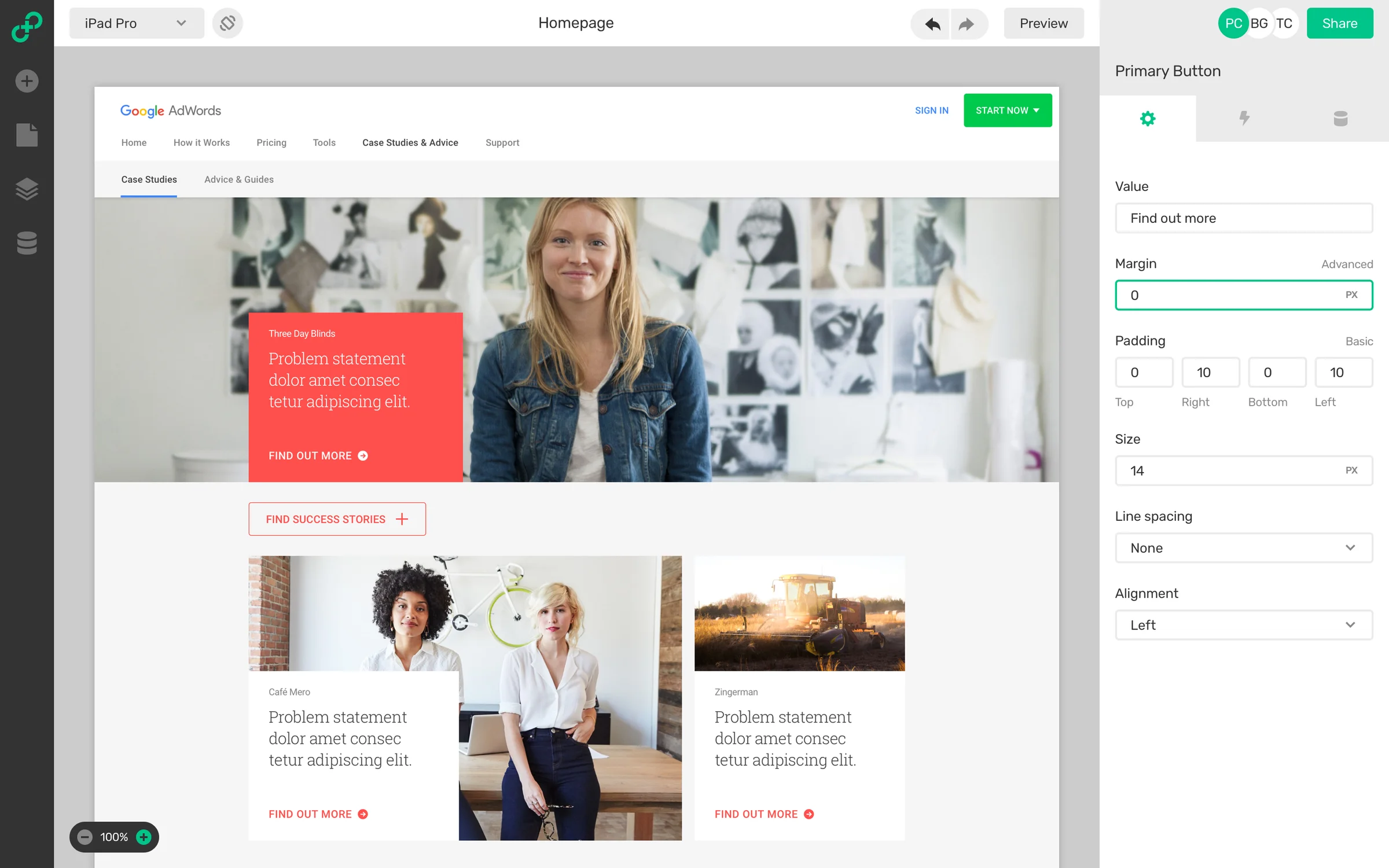
The Interplay editor with an iPad Pro preview of a website on the canvas and a properties panel for a primary button showing its label, margin, padding, and size
The component library open over the editor, with a list of categories and the Buttons category previewing normal and pressed buttons

Testing with real content

The workshops showed that components are rarely tested against real content. Data binding lets designers import data models, such as people, genres, or blog posts, and connect a property like a movie’s title or summary to a component. A repeat control then fills a layout with a fixed, automatic, or random number of items, so a design can be checked against the lists and edge cases it will meet in production.
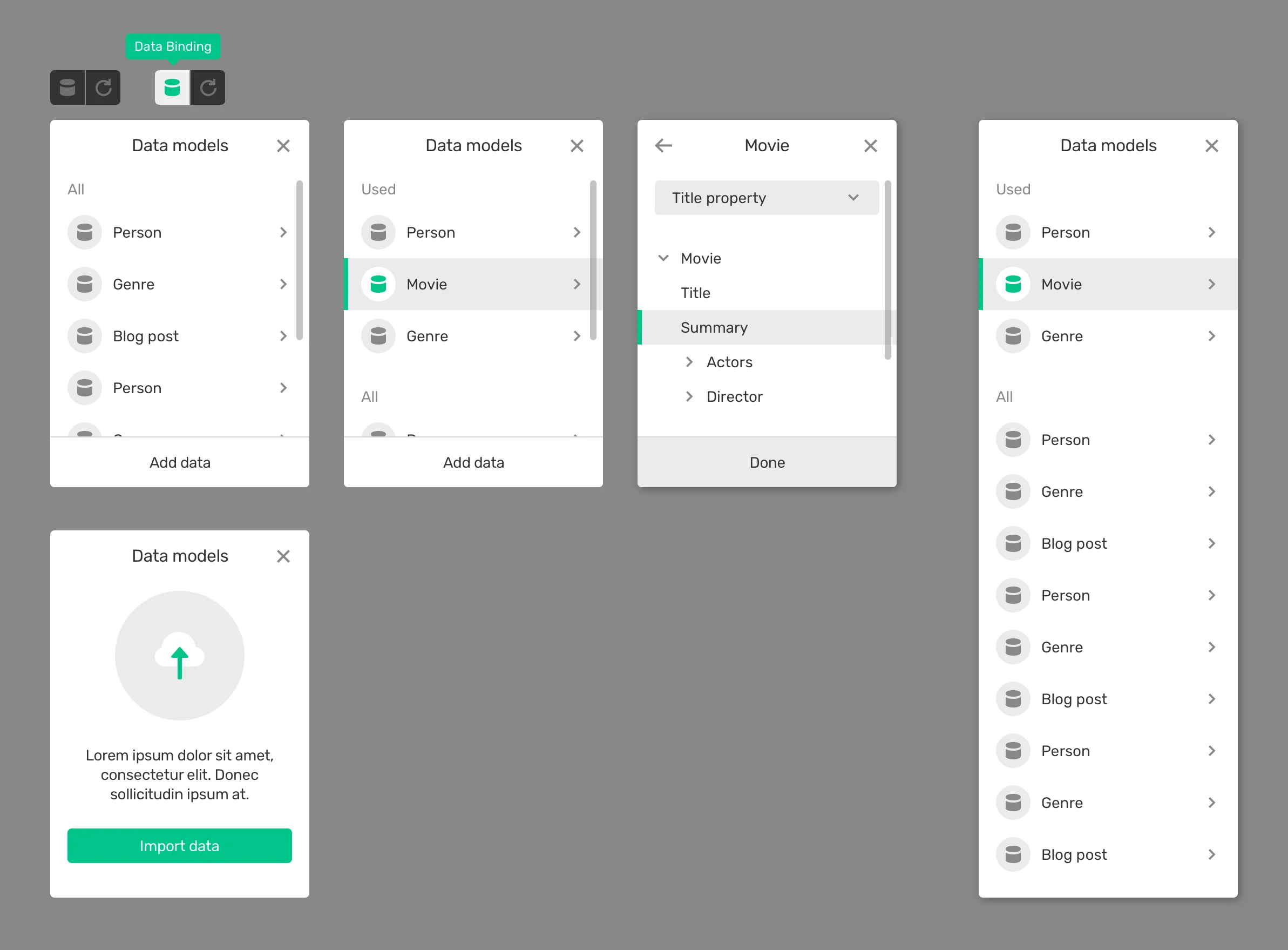
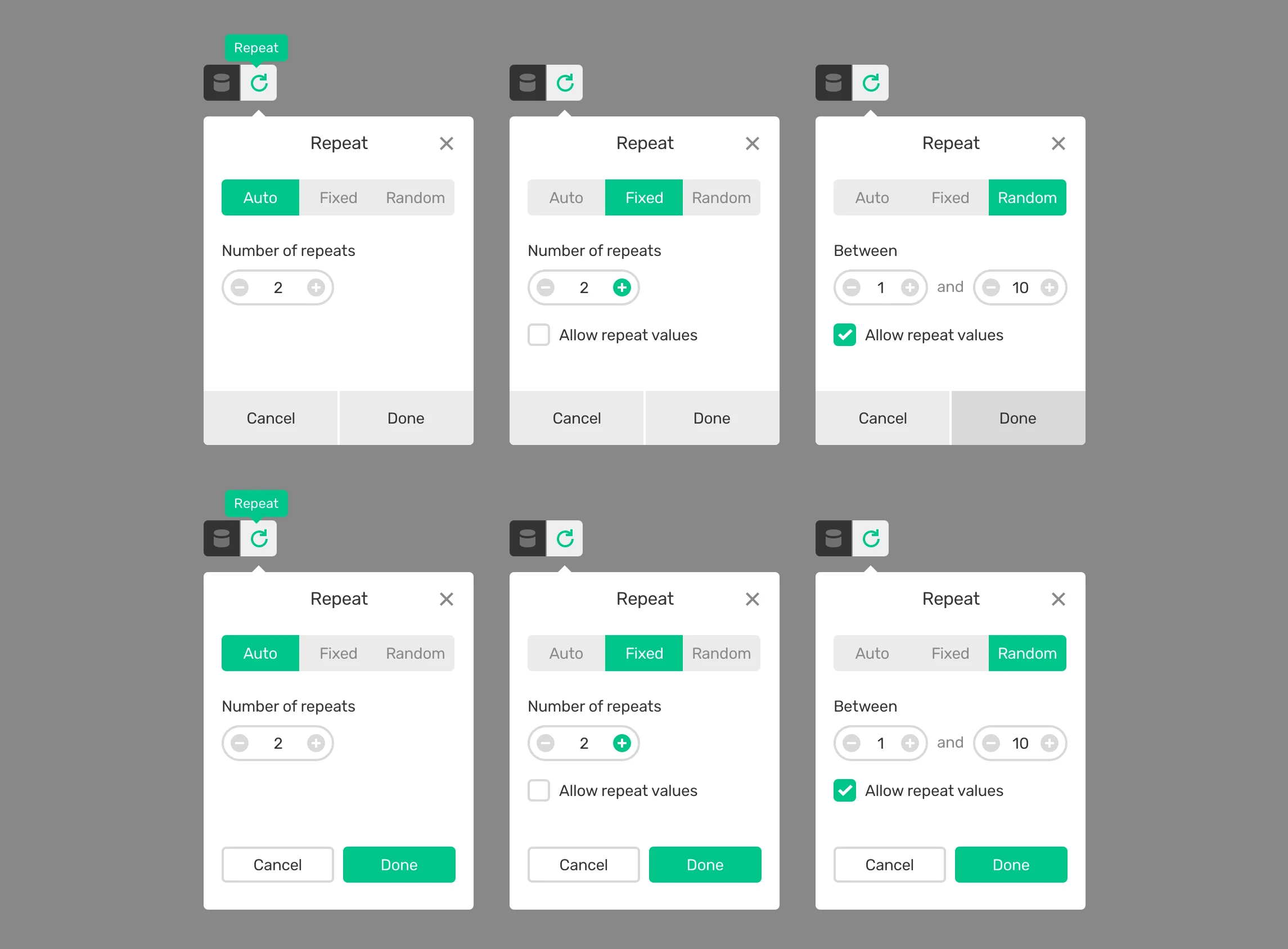
Data binding panels showing a list of data models, a Movie model selected, its title and summary properties, and an empty state for importing dataRepeat panels with Auto, Fixed, and Random modes, a number of repeats, a range between 1 and 10, and an option to allow repeat values
Next projectGenerative Art

ModVisuals